AI process automation: a practical guide for businesses
Automating processes with AI means connecting your tools so that data moves on its own, and using artificial intelligence only where something messy needs to be understood: reading documents, sorting emails or answering with your information. Start with a task that is repeated often, follows clear rules and costs you hours every week. Test it with real data, keep a person reviewing anything doubtful and measure the hours it frees up before moving on to the next one.
1 / 10What AI process automation is
AI process automation is not about robots or replacing your team. It is about taking away the tasks that repeat every day: copying data, chasing follow-ups, reading invoices, answering the same questions. In this guide we explain how to choose what to automate first, real examples by department, how to bring artificial intelligence into your company step by step and how to tell whether it is paying off.
What AI process automation is
Process automation means making a task that always follows the same steps happen on its own: a form that goes into the CRM, a payment reminder that goes out on time, an invoice generated from the quote data. It does not need AI: these are fixed rules.
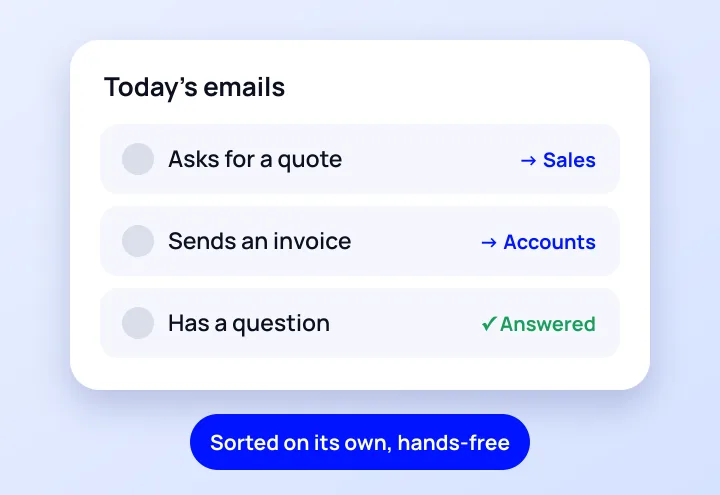
AI comes in when the task requires understanding something that does not arrive in order: a PDF invoice from each supplier in its own format, an email that needs sorting, a customer question that has to be answered with your information. A fixed rule cannot handle that, but an AI model can.
«Much of what is sold as «AI for business» is good old-fashioned integration. And that is fine: it is what fails least.»
GNERAI team
If you want to see which processes we usually automate and how we do it in phases, it is all in process automation for SMEs. Here we focus on how to decide and how to implement it properly.
Artificial intelligence in Spanish companies, in figures
According to the survey on technology use in companies by the INE (Spain's National Statistics Institute), published in October 2025, in the first quarter of 2025 21.1% of Spanish companies with 10 or more employees used some form of artificial intelligence technology, 8.7 points more than a year earlier. Among those with fewer than 10 employees, the figure was 13.4%.
In other words: most SMEs still do not use it. You are not late. What is worth doing is starting with something specific and measurable, rather than «adding AI» because everyone else is.
How to choose which processes to automate first
The most expensive mistake is starting with the flashiest thing instead of the one that eats up most hours. Before talking about tools, make a list of your team's repetitive tasks and score each one with these five questions:
- How often is it repeated? Daily beats monthly.
- How many hours does it take each week? Add it up across everyone who does it.
- Does it follow clear rules? If two people would do it the same way, it can be automated.
- Is the data already digital? Email, forms, PDFs, software. If everything is on paper, the first step is a different one.
- What happens if it goes wrong? Start with tasks where an error is easy to spot and correct.
| Example task | Frequency | Clear rules | Risk if it fails | First candidate? |
|---|---|---|---|---|
| Moving website enquiries into the CRM | Daily | Yes | Low | Yes |
| Entering supplier invoices into the accounts | Weekly | Almost always | Medium: it is reviewed | Yes |
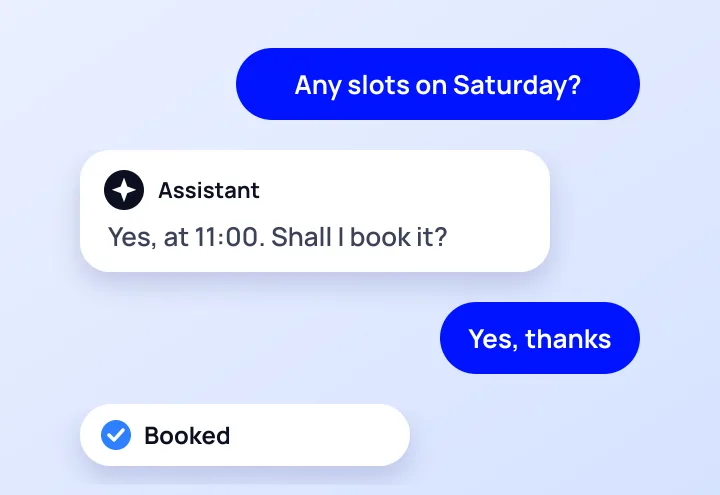
| Answering frequently asked questions on WhatsApp | Daily | Yes, with your information | Medium: handed to a person | Yes |
| Monthly sales report | Monthly | Yes | Low | Second phase |
| Negotiating with a customer | Variable | No | High | No |
If a task does not pass the «two people would do it the same way» test, do not automate it yet. First the process needs sorting out; if you automate a mess, you just make it faster.
Examples of process automation in businesses
These are the processes most often automated in an SME, by department. We mark where AI adds something and where connecting tools is enough:
| Department | What is automated | Is AI needed? |
|---|---|---|
| Sales | Enquiries from the website and ads into the CRM, assignment to a salesperson, automatic follow-ups | No; AI can rank them by likelihood to buy |
| Customer service | Answers to frequently asked questions, appointments, order status | Yes, to understand and answer with your information |
| Administration | Quotes, invoices, payment reminders | No |
| Accounting | Reading supplier invoices and entering them into the software | Yes, to read documents in every format |
| Operations | Work reports, project status, alerts to the team | Usually not |
| Management | Dashboards and reports that update themselves | No; AI can summarise |
| Marketing | Draft copy, product listings, campaign reports | Yes, always with human review |
Two real cases
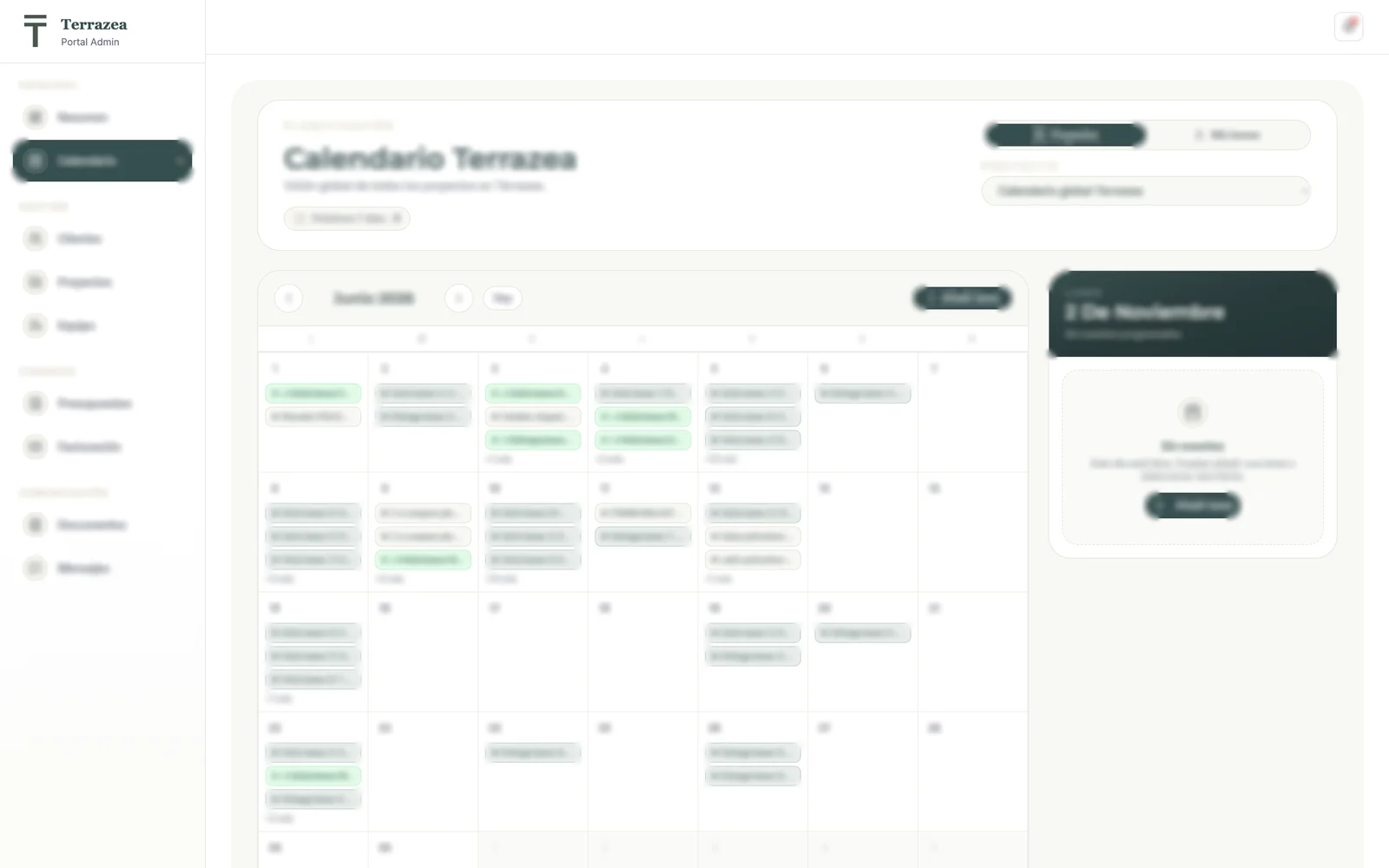
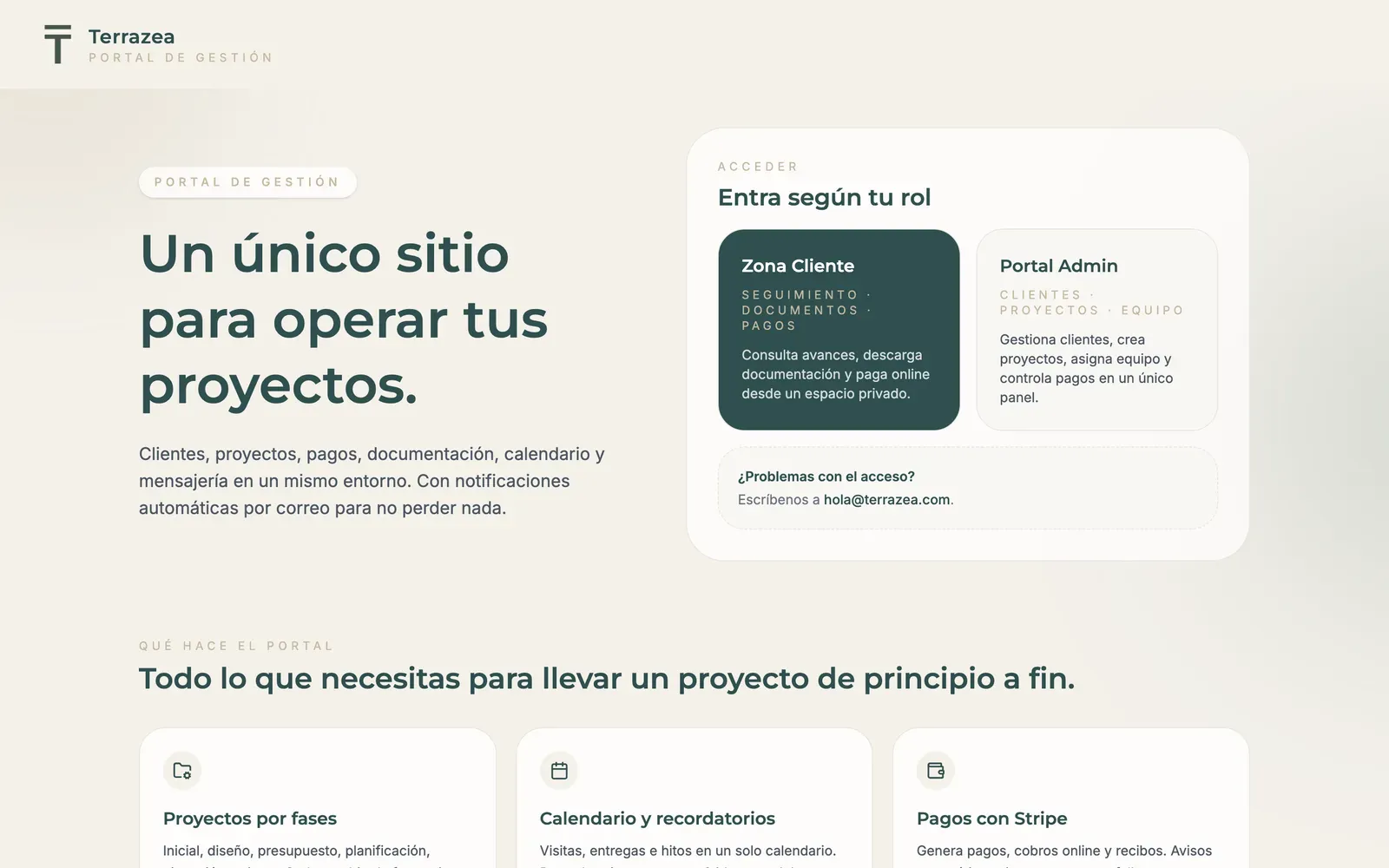
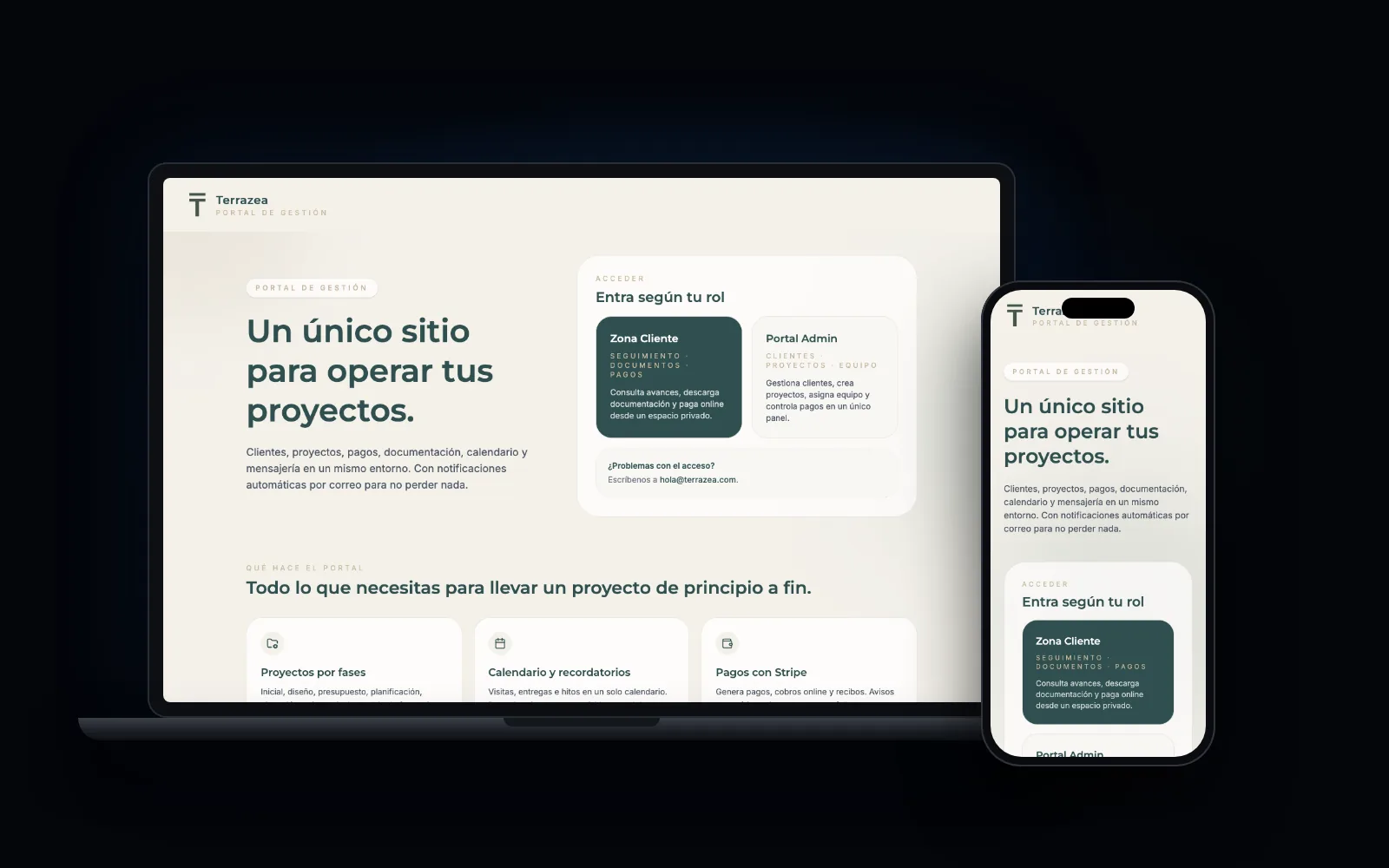
At Terrazea, an outdoor space renovation company, quotes and invoices come out as PDFs with one click and are sent to the customer automatically. The result: 60% less time on admin tasks and zero invoicing errors since launch.
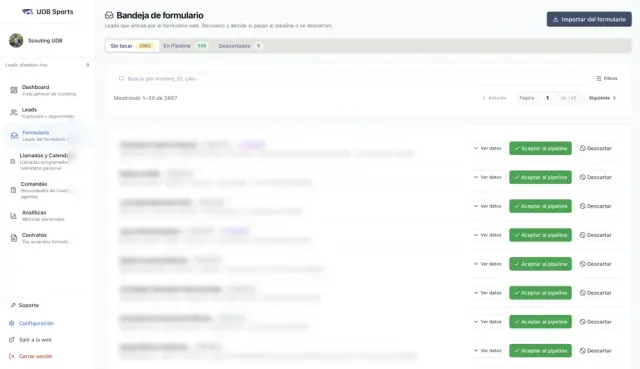
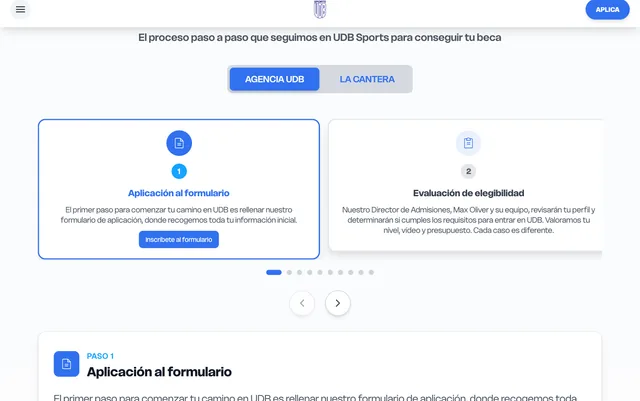
At UDB Sports, website enquiries go into a pipeline that already totals 2,882, with 184 calls coordinated in the calendar and an assistant that answers 24/7, connected to its software.
How to implement artificial intelligence in a company, step by step
Implementing artificial intelligence in a company almost always fails for the same reasons: everything is attempted at once, nobody measures the starting point and the team does not adopt it. This is the order that works:

- Task inventory. List what is repeated and how many hours it takes. A week of noting things down is enough.
- Choose a single task using the criteria above. The one that frees up most hours with least risk.
- Measure the starting point: hours, errors, response time. Without this you will not know whether it has worked.
- Prototype with real data, not demo data. The odd invoices and the customers who write badly show up here.
- A person reviews anything doubtful. AI proposes; someone validates whatever has low confidence or high impact.
- Train the team who will use it and explain what it does and what it does not. If they do not understand it, they work around it.
- Measure and decide: if it frees up the expected hours, move on to the next task. If not, it is corrected or stopped.
We do it in 2-week sprints, with first deliveries from day 7 and a fixed proposal per phase. If we do not see clear savings in the assessment, we tell you and do not suggest going ahead.
Integrating artificial intelligence with your tools
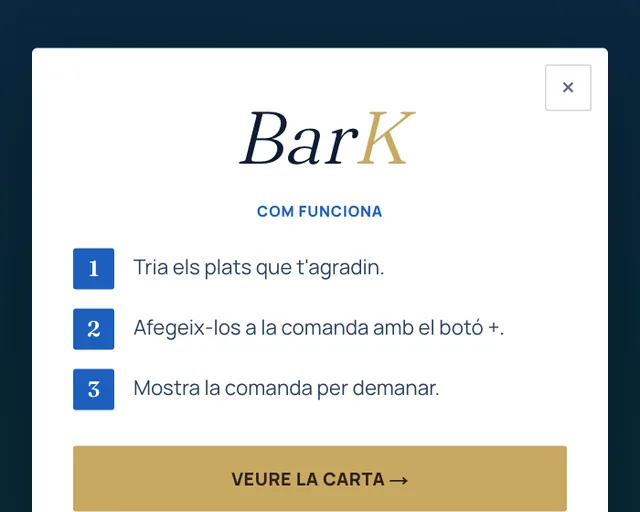
AI on its own does nothing: it has to read from somewhere and write somewhere else. Integrating artificial intelligence into a company means connecting it to what you already use (email, CRM, invoicing software, WhatsApp, spreadsheets) through their official connections.
With tools such as n8n the flow is built without changing software, and when the process is your own and nothing covers it, a custom piece is programmed. If you need a complete system, that is custom software.
Benefits of process automation (and what it will not give you)
- Hours given back to your team for what really needs a person.
- Fewer errors when copying data from one place to another.
- Faster answers to customers and enquiries, outside office hours too.
- Follow-ups that are not forgotten, because they do not depend on anyone's memory.
- Up-to-date data to make decisions without waiting for the end-of-month report.
What it will not give you: a badly thought-out process does not improve by being automated, AI makes mistakes and needs review where it matters, and none of this replaces your relationship with your customers. Be wary of anyone who promises to automate your whole company in a month.

Risks and obligations: data, errors and the EU AI Act
Bringing AI into your company's processes means deciding what data it sees, where it is processed and who is responsible if it gets something wrong. Before you start, be clear about these four things:
- Personal data: check which customer or employee data passes through the AI tool, where it is processed and under what contract. If in doubt, ask whoever handles data protection in your company.
- Errors: define which decisions the automation can take on its own and which need a person. Payments, prices and sensitive replies always get reviewed.
- Traceability: every automation should keep a log of what it has done, so it can be checked if something fails.
- Transparency: since 2 August 2026, article 50 of the European Artificial Intelligence Regulation (the EU AI Act) requires AI systems that talk to people to be designed so that people know they are talking to an AI, unless it is obvious. If you put an assistant on your website or your WhatsApp, it should introduce itself as one.
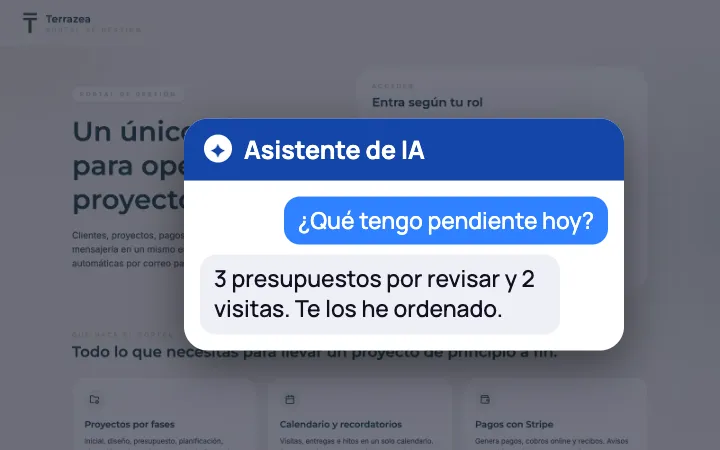
If what interests you is an assistant to look after your customers, we explain it in detail in chatbots and AI agents for businesses.
How to tell whether it pays off
The calculation is simple and worth doing before asking for a quote:
«Hours a week spent on the task × cost per hour × 52 weeks = what it costs you each year to keep doing it by hand.»
An example with round numbers: if one person spends 5 hours a week entering invoices and their hour costs the company €20, that is €100 a week and about €5,200 a year. If automating that task costs less than that and frees up most of those hours, it pays for itself in the first year. Add what does not show up in the sum: errors avoided and faster answers.
We quote every automation with a fixed proposal per phase, so you can do this calculation with real figures before deciding. You will find our other services in prices.
What an AI agency is and when you need one
An AI agency helps a company apply artificial intelligence and automation to its processes: it identifies which tasks to automate, connects the tools, builds assistants or custom pieces and maintains them.
You do not need one to use a single tool, but you do when you want several to talk to each other or when the process is your own.
Before hiring one, ask: who builds it? When will I see something working? Is the price fixed per phase? What happens if an automation fails? Will you tell me no if it does not pay off? If the answers are vague, keep looking.
Automations that already work

More real examples: UDB Sports
We'll send you our next software and AI guide
Automations, software and real cases to save hours in your business. No spam.
Guides for your business, in your inbox
What we publish on websites, SEO, ads and AI for small businesses. No spam, unsubscribe in one click.
Frequently asked questions
What is process automation?
It means making tasks that always follow the same steps happen on their own: moving data from one program to another, sending reminders, generating invoices or alerting the team. When documents or messages that arrive in no particular order also need to be understood, artificial intelligence is added.
How do you implement artificial intelligence in a company?
Make a list of repetitive tasks, choose one that is repeated often and follows clear rules, measure how long it takes today, test it with real data and keep a person reviewing anything doubtful. If it frees up the expected hours, move on to the next. Starting with everything at once is the surest way to fail.
How can an SME apply artificial intelligence?
Where it shows fastest is in reading documents such as invoices or orders, sorting emails, answering frequently asked questions with your information and preparing drafts that someone reviews. The rest is usually automation without AI: connecting your website, your CRM and your invoicing so you do not copy data by hand.
What is an AI agency?
It is a company that helps others apply artificial intelligence and automation: it identifies which tasks to automate, connects the tools, builds assistants or custom pieces and maintains them. Always ask who builds it, when you will see something working and whether the price is fixed per phase.
How much does AI process automation cost?
It depends on how many tools need connecting and whether AI is needed or rules are enough. We quote it with a fixed proposal per phase, starting with the task that frees up most hours, so you can compare the cost with what it costs you to keep doing it by hand.
Do I have to change my software to automate?
Usually not. Most automations are built on top of what you already use, connecting your tools through their official connections. Only when a process is your own and no software covers it does it make sense to build a custom piece.
What happens if the AI gets it wrong?
That is why it is designed with human review where it matters: AI proposes and a person validates whatever has low confidence or high impact, such as payments or sensitive replies. Every automation logs what it does and sends an alert if something fails, so it can be corrected quickly.
Further reading
Which task would you like never to do again?
Calculate for free how much you would save. Within 24 hours we tell you what we would automate first, how many hours it could free up and what it would cost, with no obligation.
You may also like
See all articles Software and AIThe best ERP for small businesses in 2026: comparison and when to drop the spreadsheet6 min
 Software and AICRM for small businesses: what a CRM is and which one to choose for your company (2026)6 min
 Software and AICustom applications and ERP: when they pay off compared with off-the-shelf software10 min