Custom applications and ERP: when they pay off compared with off-the-shelf software
A custom application or ERP pays off when the way you work does not fit into off-the-shelf software: your own processes, customers or technicians who need to log in, or hours every week moving data from one place to another. If Holded, Odoo or A3 cover your operations, stick with them. The usual approach is a mix: accounting in the standard software and operations in your own connected application.
1 / 11What custom applications are and what a custom ERP is
Custom applications and custom ERPs have a reputation for being expensive and slow. Sometimes they are. Other times they work out cheaper than carrying on paying for software that does not fit you. Here is how to decide: what an off-the-shelf ERP such as Holded, Odoo or A3 gives you, the signs that you have outgrown it, how it is built in phases, its risks and the cost over three years.
What custom applications are and what a custom ERP is
A custom application is software built for one specific company: a dashboard for building jobs, a shift rota, a portal where your customers see their orders or an app for your technicians. The full definition, with examples, is further down, in “What custom software is and how it differs from off-the-shelf software”. Here we get practical: when it is worth it for you.
An ERP is the software that brings the areas of a company together in one place: sales, purchasing, stock, production, projects, invoicing and, often, accounting. A custom ERP does the same, but only with the modules you use, with the steps of your process and with the names your team uses.
A custom ERP does not have to replace everything. Accounting can stay in your accountant's software, and the operations are built to measure: quotes, orders, jobs, stock or production.
What custom software is and how it differs from off-the-shelf software
Custom software is an application developed for a specific company, adapted to its processes and the way it works. It can be an internal tool (project management, quotes, shift rotas), a portal for your customers, a connection between the programs you already use or a product you sell to others (a SaaS).
The difference from off-the-shelf software comes down to one sentence: you adapt off-the-shelf software to your business, custom software adapts to you.
Off-the-shelf software (packaged or cloud-based with a subscription) is quick to roll out, cheaper upfront and has been tested by thousands of users, but it ties you to what it offers. Custom software fits the way you operate and grows with you, but it requires a larger initial investment and a few weeks of development.
| Off-the-shelf software | Custom software | |
|---|---|---|
| Getting started | Immediate | First deliveries from day 7 and a usable version in weeks |
| Cost | Monthly subscription, often per user | Investment in phases, with a custom quote |
| Fit with your process | You adapt | Built for your process |
| Features | Lots, whether you use them or not | Only the ones you need |
| Integrations | Whatever it comes with | Whatever you need |
| If your company changes | You wait for the vendor to add it | It is added in the next phase |
| Ownership | You rent the use of it | It is yours |
Examples of custom software in small businesses
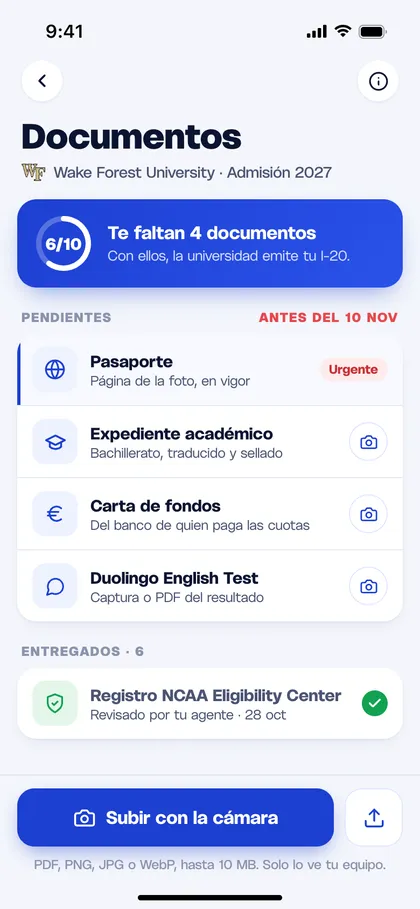
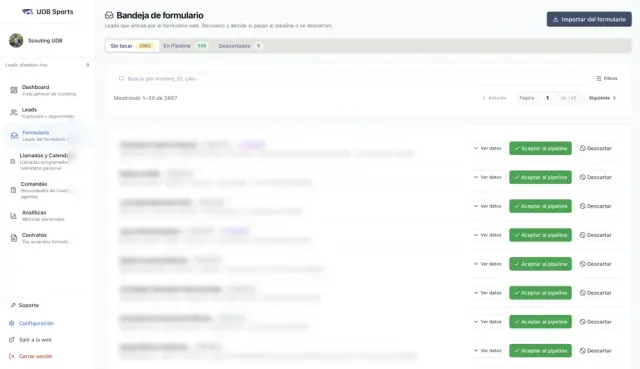
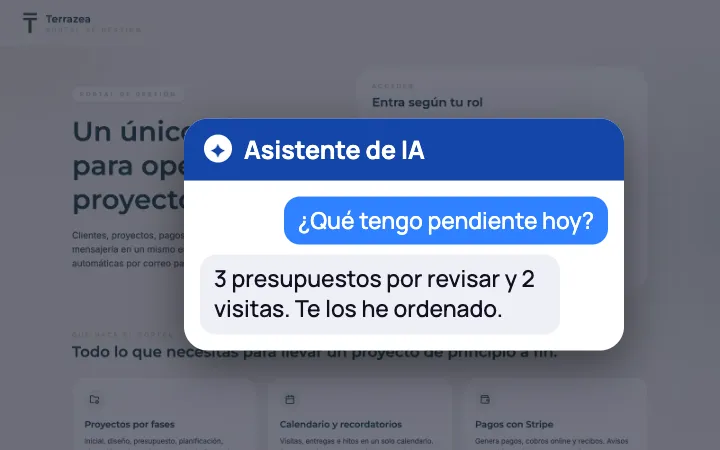
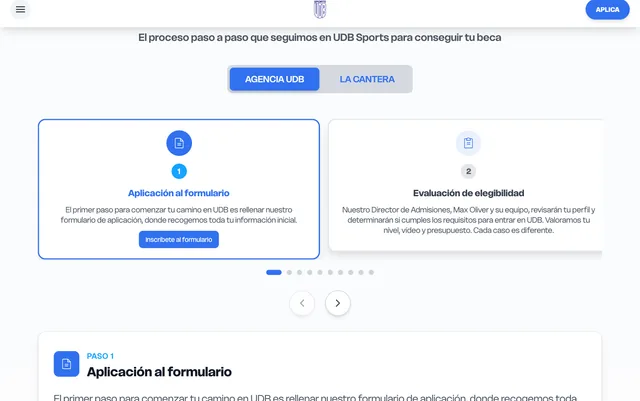
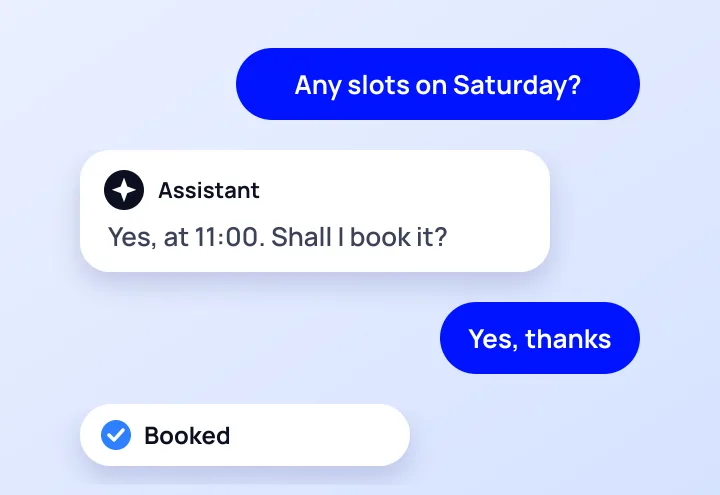
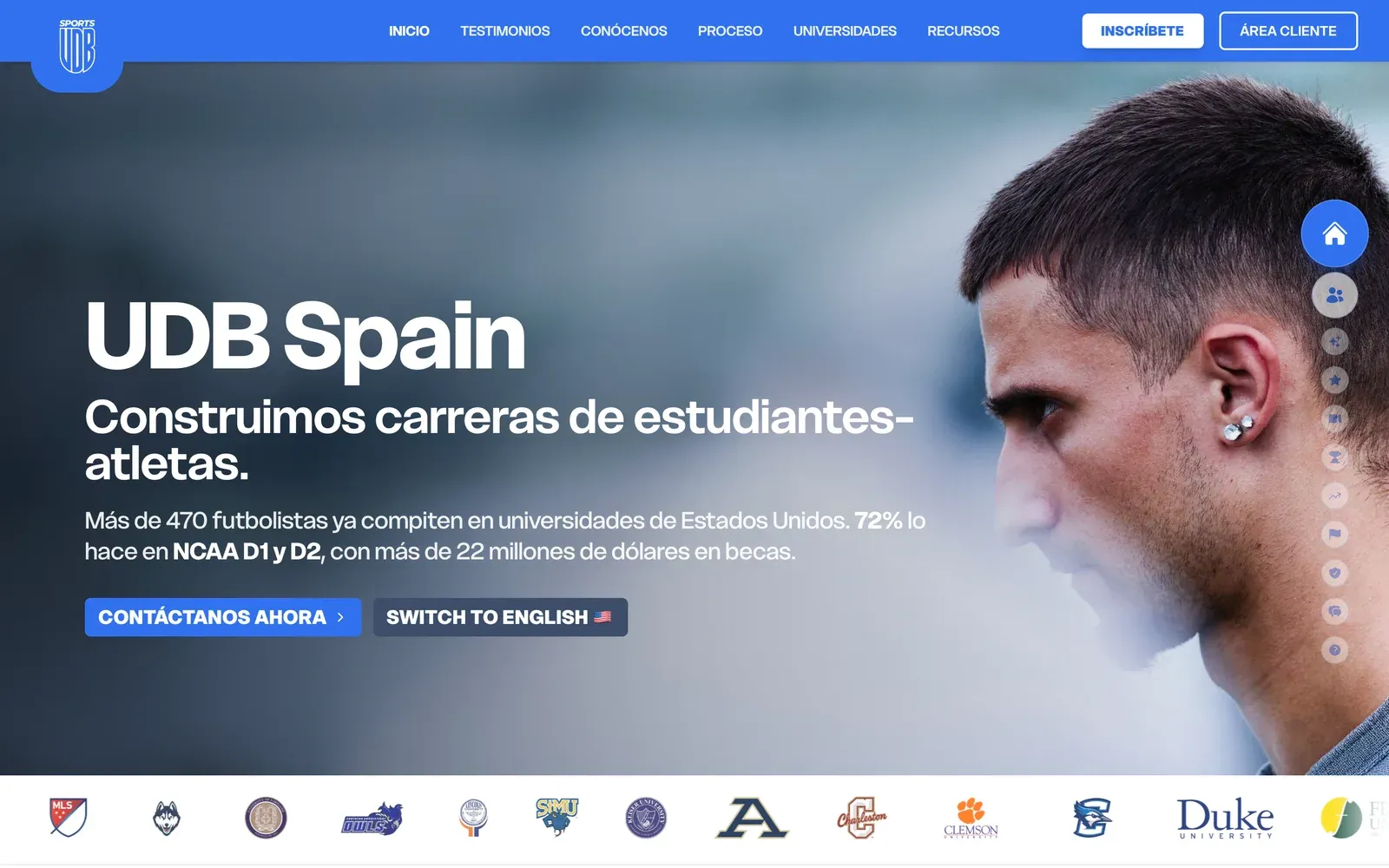
Besides Terrazea, which we cover further down, these are other custom software projects we have in production. For UDB Sports we built an internal platform with role-based portals, a calendar and an assistant that responds 24/7: its sales team has already received 2,882 enquiries through it.
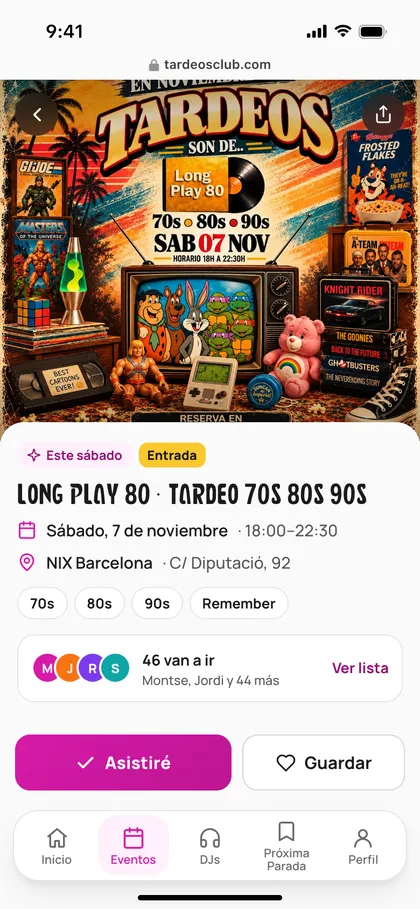
Tardeos Club is a web app that brings together afternoon parties (tardeos) across Spain in a search tool with an interactive map and filters, with data that updates itself.
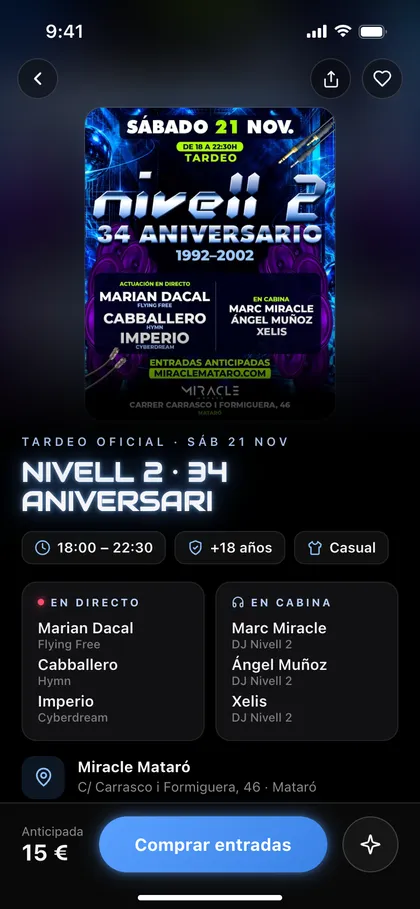
And Miracle Mataró has its website and ticketing system in a single piece, with payments, QR codes and access control: more than 5,000 tickets issued without a single incident.
What an off-the-shelf ERP gives you and where it falls short
Before thinking about development, look at what already exists. Some management programs commonly used by Spanish SMEs (we compare them, with prices, in the best ERPs for SMEs):
- Holded: cloud software that brings together invoicing, accounting, inventory, projects and CRM, with a monthly subscription.
- Odoo: a modular ERP in which you activate the apps you need. It has an open-source edition and a paid one, and adapting it in depth usually involves a partner who implements it.
- A3, by Wolters Kluwer: widely used by accountancy and advisory firms for accounting, payroll and tax, with ERP versions for businesses.
They do well what every company does in the same way: invoicing, VAT, payroll and accounting. They are updated when regulations change and your accountant knows them. For that, custom development almost never makes sense.
Where they fall short is in what makes you different:
- Your operations are not the textbook ones. You quote by the metre, by phase or by combination of materials, and the software only understands item lines.
- There are people outside the office. Technicians or site managers who need to see and record things from their phone.
- Your customers or partners need to log in to check the status of an order or upload documents.
- Adaptations pile up. Every customisation costs money, and some cause trouble when the vendor releases an update.
When a custom application or ERP pays off
The useful question is not «off-the-shelf or custom», but which part of your company goes where:
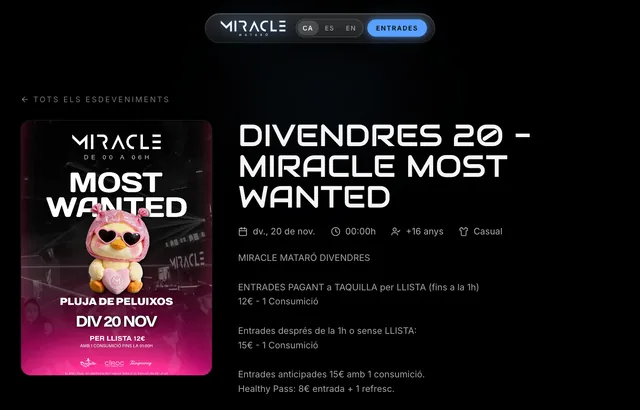 Real exampleMiracle MataróOnline ticketing platform with real-time QR access control.5,000+ tickets issued without a single incidentSee the project →
| Your situation | What usually pays off |
|---|---|
| Invoices, VAT, payroll and accounting | Off-the-shelf software: it works the same in every company and keeps up with the law. |
| The standard software covers almost everything and the rest lives in Excel | Keep the standard software and build a small application for what is missing, connected to it. |
| Your own operations: building jobs, routes, made-to-order production, services in phases | A custom ERP for operations, connected to your accounting software. |
| Customers, technicians or partners who need to log in | A custom portal or web application, with access for each role. |
| Several tools that work but do not talk to each other | Connect them with process automation, without new software. |
| You want to sell the tool to other companies | A custom platform: the software is the product. |
When it does not pay off
- Your process is the standard one in your sector and a well-known program covers it.
- Your process still changes every month. Programming it as it stands is expensive: sort it out first in a spreadsheet.
- Only one screen or report bothers you. That is fixed by configuring the standard software or with an export.
Signs that your company needs something of its own
The ones we see most in SMEs in Barcelona and the Maresme when their management software can no longer cope:
- The real stock is in a spreadsheet because the figure in the software never adds up.
- A quote is made in Excel, copied by hand into the software to invoice it and typed out again in the email to the customer.
- Your technicians call the office every morning to find out what they have to do.
- To know which jobs or orders leave a margin, someone puts a report together by hand every month.
- You pay for extra users or modules just so that some people can look at data.
- There is a process that only one person knows how to do, and it lives in their head, not in the software.
Think of a renovation company in the Maresme with invoicing in a subscription program, quotes in Excel and jobs managed over WhatsApp. It does not need another invoicing program. It needs an application where an accepted quote becomes a job, the job becomes work reports and the reports become the invoice that goes into the program it already uses.
How a custom ERP is built in phases
The biggest risk with a custom ERP is building it all at once: months go by without seeing anything and, when it arrives, the business has already changed. That is why it is built module by module, starting with the one that takes up most of your hours.
- Assessment. We go through the process with the person who does it every day and check whether off-the-shelf software is enough for you. It is free.
- First module with a fixed proposal. We choose a piece that can be used on its own, for example quotes and orders. You know what will be delivered, when and how much it costs before we start.
- Validated screens. You see a clickable prototype before anything is programmed.
- Development in 2-week sprints, with a weekly meeting. The first deliveries arrive from day 7.
- Go-live. Migration from Excel or the previous program, tests with real data and training.
- Next module, only if the previous one is already saving you time.
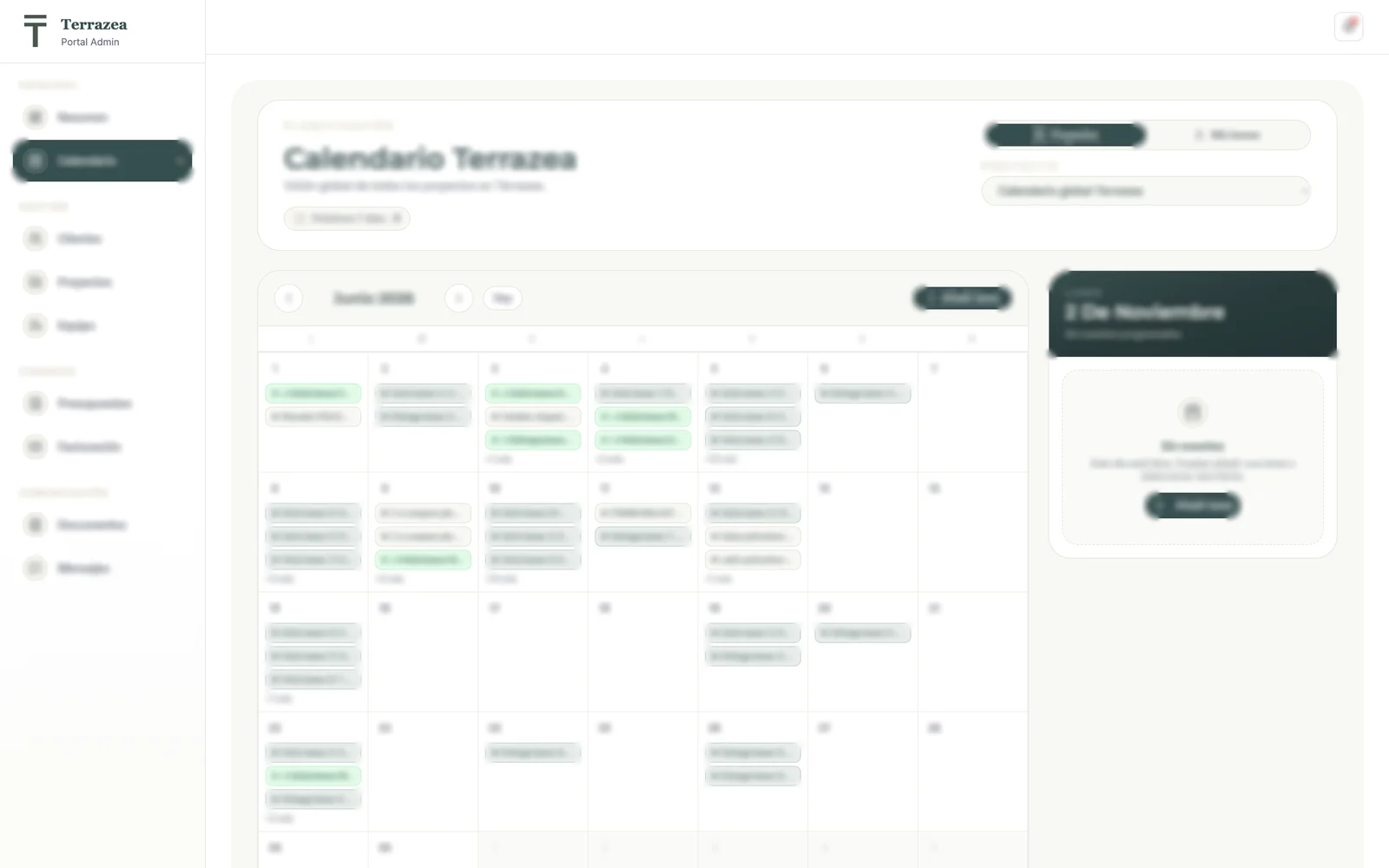
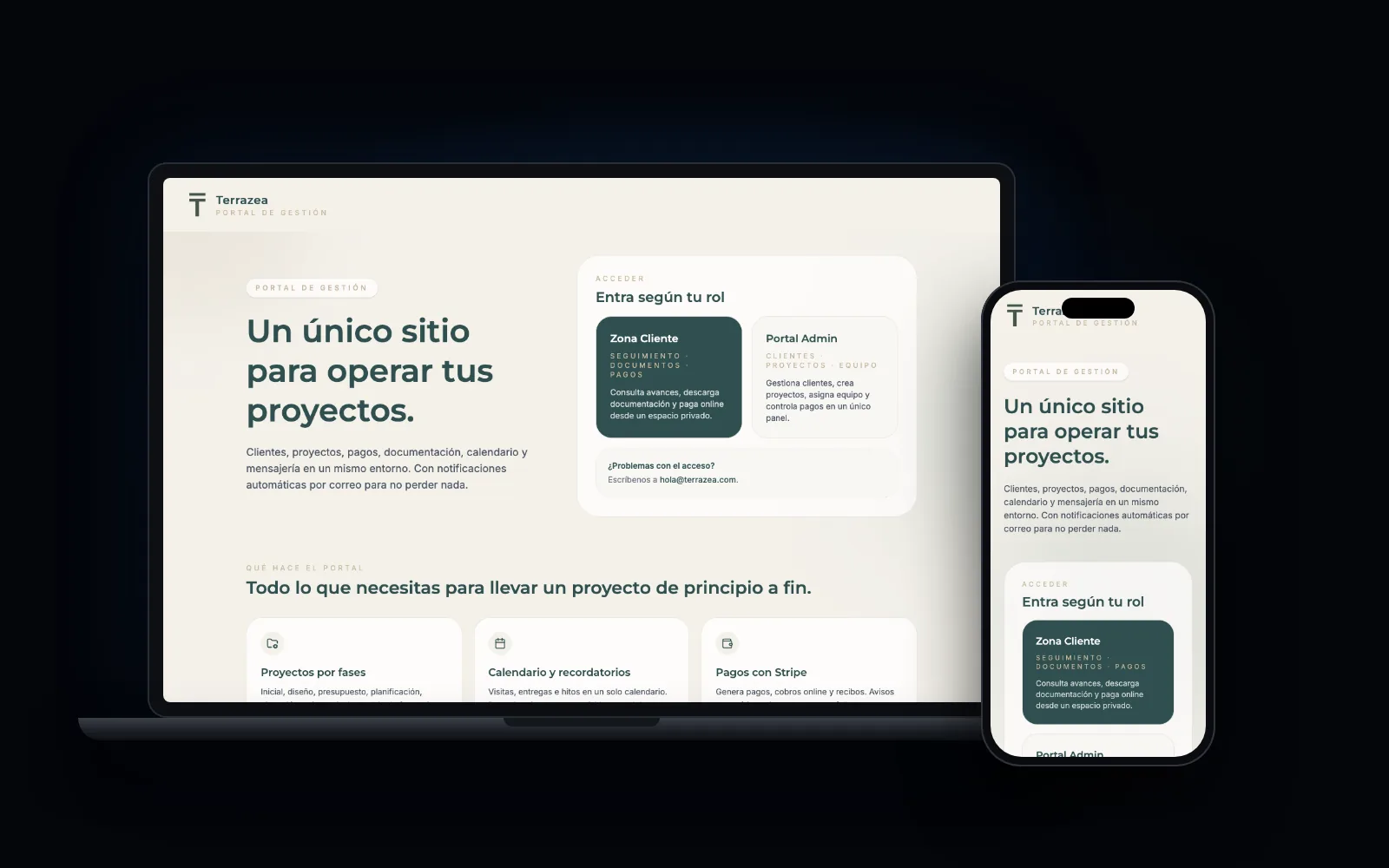
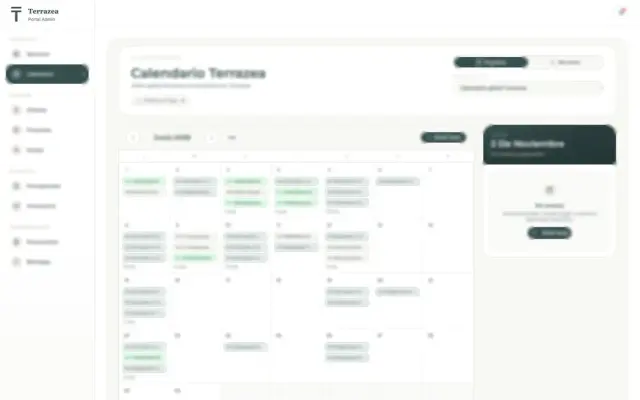
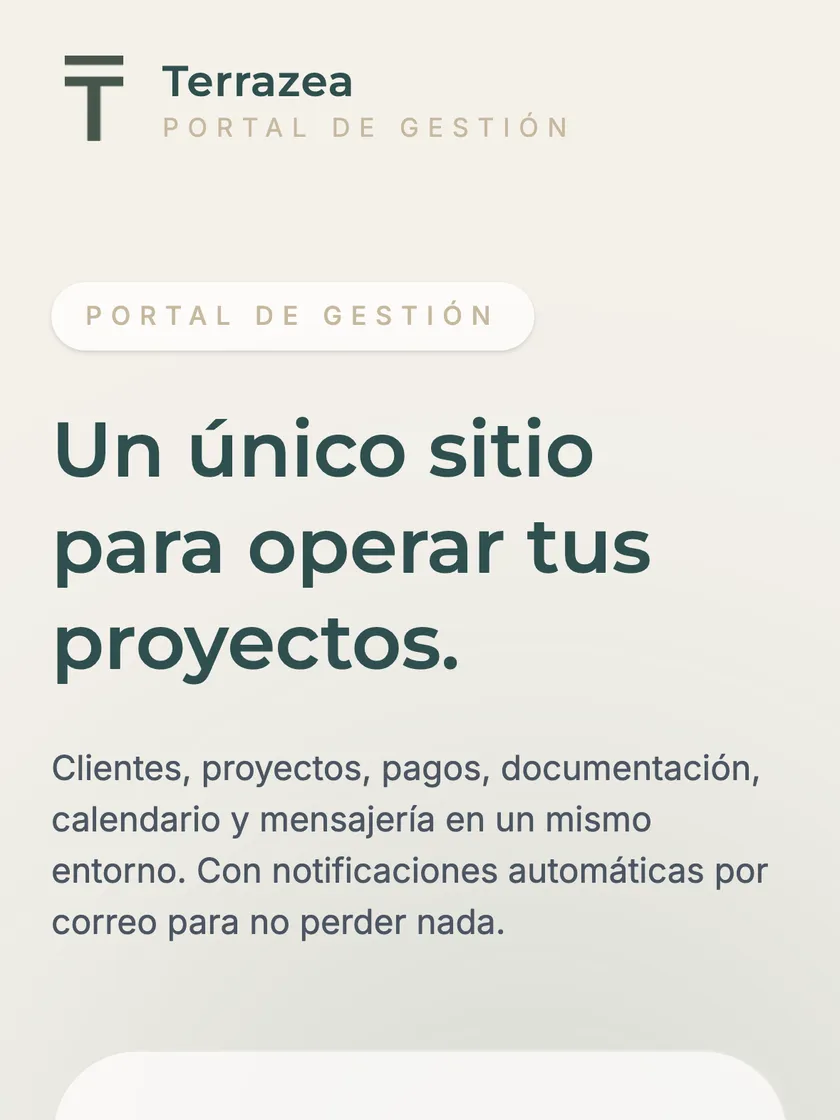
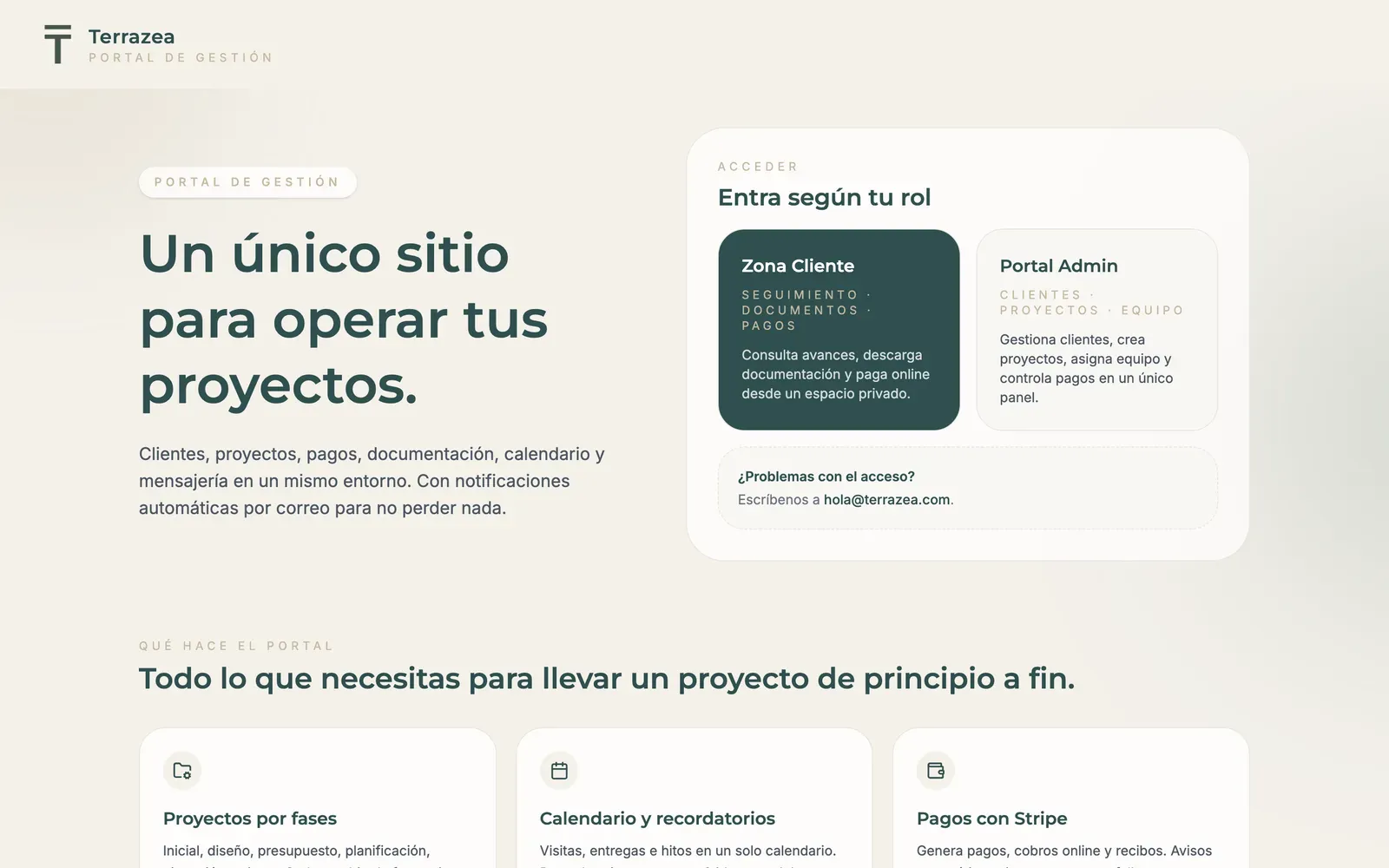
One example in production is Terrazea, an exterior renovation company that ran its jobs with Excel, WhatsApp and paper. Today it has projects on a Kanban board, quotes and invoices in PDF, material costs per job and a portal for each customer.
The result: 60% less time on admin tasks, zero invoicing errors since launch and three times as many projects managed at once.
Integration with what you already use
A custom application does not live in isolation. It has to talk to your website, your invoicing, payments, email and WhatsApp. That connection is what avoids copying data by hand, and it is designed from the start.
With your accounting
The application handles quotes and jobs, and the invoice data goes into your accountant's software.
With your website
Form submissions come in as leads, without going through anyone's inbox.
With payments
Charges and subscriptions with Stripe, linked to each order.
With email and WhatsApp
Notifications to the customer when the status of their order changes.
Before deciding, ask about the API
Most cloud software, Holded and Odoo included, has an API: a door that lets other programs read and write data. With it, connecting is simple. Some older programs installed on a computer only allow files to be imported and exported, and the integration is more fragile. Better to find out during the assessment than halfway through the project.
If the application is going to issue invoices, it has to meet the requirements that Spanish regulations set for invoicing software (the Verifactu system, set by the Spanish Tax Agency). Ask how this is handled: either it is programmed to meet them or invoices are issued from the software that already does.
What it costs over 3 years: the full calculation
Comparing a program's subscription with the price of a development is a poor comparison. Off-the-shelf software looks cheap because you pay little by little; custom software looks expensive because you pay up front. Put both over three years and add everything up.
| What to add up | Off-the-shelf program or ERP | Custom application or ERP |
|---|---|---|
| Start-up | Implementation and configuration, often with a partner | Development in phases, each with a fixed proposal |
| Every month | Fee per user or per module | Cloud hosting and third-party services, if you use them |
| If the team grows | More users, higher fees | No per-user licences |
| Adaptations | Customisations and extra modules | New phases when you need them |
| Data | Migration from whatever you have | Migration from whatever you have |
| What you do not see | Hours of manual work around the software | Support and improvements, if you take them on |
The row people forget most is the last one. If your team loses 6 hours a week moving data from one place to another, that is 312 hours a year and 936 over three years. Multiply them by what an hour of those people costs you and add it to the off-the-shelf side. Sometimes off-the-shelf still wins, and that is fine.
With us, a first module has a custom quote and each phase has a fixed price before it begins. Support and later improvements are agreed separately and are not compulsory. What we build, how we quote it and our case studies are on our custom software page.
If your team grows from 5 to 15 people, the fee for a program that charges per user grows with it. The cost of your own application does not.
Risks of custom development and how to avoid them
A badly planned development can end up costing more than any licence. The problems are almost always the same, and they are avoided before signing:
| Risk | How to avoid it |
|---|---|
| The scope grows and the budget with it | Short phases with a fixed proposal. Anything new goes into the next phase, not the current one. |
| You see the result too late | Deliveries every two weeks that your team can use and correct. |
| You depend on one supplier or one person | Code, data and hosting in your company's name, with documentation. |
| The team does not adopt it | Design the screens with the people who will use them and train them before switching off the old system. |
| The data you migrate is messy | Clean up the Excel file or the old program before migrating, not afterwards. |
| An integration fails and nobody notices | Automatic alerts when a flow stops and a log of what happened. |
Custom software myths and how to choose who develops it for you
There are three ideas about custom software worth reviewing before you rule it out:
- “It is only for large companies.” Many small businesses use it to solve a specific process, and starting with one module makes it affordable.
- “It takes years.” Working in phases, the first usable version arrives in weeks.
- “You end up tied to the supplier.” Only if you allow it. Ask who owns the code and where it is hosted before signing.
What to ask before hiring
The result depends as much on the team as on the idea. Before signing, ask these questions:
- Who writes the code? Better to speak with the person who writes it than with a salesperson passing on notes.
- When will I see something working? If the answer is “in a few months”, ask for partial deliveries.
- Is the price fixed per phase? Open-ended hours with no cap are the quickest way to go over budget.
- Who owns the software and where does it live? It has to belong to your company.
- Would you tell me no if an off-the-shelf product would do? Before proposing a development, the team should compare your case with the software that already exists.
Steer clear of anyone who promises everything fast and cheap at the same time: in software, those three things rarely go together.
Custom applications in production
We'll send you our next software and AI guide
Automations, software and real cases to save hours in your business. No spam.
Guides for your business, in your inbox
What we publish on websites, SEO, ads and AI for small businesses. No spam, unsubscribe in one click.
Frequently asked questions
What are custom applications?
Software built for one specific company rather than for many: a management dashboard, a customer portal or an app for technicians. They adapt to your process and belong to your company, with no per-user licences.
What is a custom ERP?
Management software that brings together sales, purchasing, stock, projects or production, with only the modules you use and the steps of your process. It does not have to include accounting: many companies leave that in their usual software and connect the two.
Is a custom ERP better than adapting Odoo?
It depends on how much needs adapting. If Odoo covers your process with little configuration, adapt it. If you need a lot of development on top, you are already paying for custom development, but inside someone else's software.
Can I keep Holded or A3 and add a custom application?
Yes, and it is what we recommend most. Accounting stays in your accountant's software and the custom application runs the operations and passes the data to it. The software needs to have an API or at least allow files to be imported.
How much does a custom ERP cost?
With us, with a custom quote, starting with a first, clearly defined module. The total depends on the modules, the user roles and the integrations. Each phase has a fixed proposal and you decide whether to continue after each delivery.
How long does it take to have a custom application up and running?
We work in 2-week sprints and the first deliveries arrive from day 7. A first useful version is usually ready in a few weeks. The complete ERP is built afterwards, module by module.
Does a custom application work on a phone?
Yes. We build web applications that work in the phone's browser and can be installed from there. For internal tools, such as work reports, this is usually enough and costs less than a native app.
What is the difference between custom and off-the-shelf software?
Off-the-shelf software is ready to use, costs less upfront and is paid for with a subscription, but you adapt to it. Custom software adapts to your process, connects with whatever you need and is yours, in exchange for a larger initial investment and a few weeks of development. If off-the-shelf covers you well, it is usually the sensible choice.
What examples of custom software are there?
Project management with quotes and invoices, like Terrazea. Internal platforms with an assistant, like UDB Sports. SaaS products for property investors. Or ticketing systems, like Miracle Mataró. Also customer portals, shift rotas or quote calculators.
Is custom software only for large companies?
No. Many small businesses use it to solve a specific process that eats up hours. Starting with a small module and growing in phases makes it affordable, and if the first phase does not save time, there is no reason to continue.
Will the custom software be mine?
It should be. Always ask before signing: who owns the code and where it is hosted. In our projects, the software belongs to your company and you do not pay per-user licences. Also ask what would happen if one day you wanted another team to maintain it.
To help you keep deciding
Off-the-shelf, custom or a mix?
Calculate for free how much you would save. Within 24 hours we tell you what you would keep in your current software, what you would build to measure and how much the first phase would cost.