What is Facebook Ads and how to use Meta Ads in your small business
Facebook Ads, now Meta Ads, is Meta’s advertising system for Facebook, Instagram, Messenger, WhatsApp and Threads. You choose an objective (sales, leads, traffic…), who you want to reach and how much to spend, and Meta decides in an auction who sees your ad based on your bid, the likelihood that the person will do what you want and the quality of the ad. More than a minimum spend, what matters is that the budget is enough for about 50 results a week, which is what Meta states a campaign needs to leave the learning phase.
1 / 12What is Facebook Ads (and why it is now called Meta Ads)
What is Facebook Ads? It is Meta’s advertising platform for advertising on Facebook, Instagram, Messenger, WhatsApp and Threads, now called Meta Ads. Unlike Google, it does not wait for people to search for you: it puts you in front of people who do not yet know they need you. In this guide we explain how it works, how a campaign is set up, who you can reach, what formats there are, how much to invest and how not to waste your money.
What is Facebook Ads (and why it is now called Meta Ads)
Facebook Ads was created for advertising on Facebook. Today, from the same Ads Manager, your campaigns can appear on Facebook, Instagram, Messenger, WhatsApp, Threads and Audience Network, Meta’s network of third-party apps.
That is why people talk about Meta Ads: it is the same thing, with the name of the company behind it.

The big difference from Google is simple: on Google you appear when someone is already searching for what you offer; on Meta you appear in front of people who were not looking for you, while they scroll.
It is latent-demand advertising: you create the interest rather than waiting for it. That makes it ideal for getting known, for products or services with visual appeal and for reaching a very specific audience. It also makes it easy to burn through money if you do not know what you are doing.
«On Google you capture the demand that already exists. On Meta you create it. That is why Meta Ads shines at making you known, less so at selling what people are already searching for.»
GNERAI team
When Meta Ads makes sense for a small business
- What you sell has visual appeal: restaurants, leisure, beauty, fashion, property, events.
- You want to get known in an area or among a specific audience.
- You have time-limited offers: seasons, launches, promotions.
- You sell something bought on impulse or with a medium ticket.
- You want to win back people who visited your website and did not buy.
It performs less well when your customer only buys after a very specific, rational search (a lawyer, a locksmith, an emergency). There, Google Ads usually works better. Many small businesses use both.
How Meta Ads works: an auction for every ad
Every time someone opens Instagram or Facebook and there is a slot for an ad, Meta runs an auction among all the advertisers whose audience includes that person. According to the Meta Business Help Centre, the ad with the highest ‘total value’ wins, which combines three things:
The bid
What the advertiser is willing to pay for the result it wants.
Estimated action rates
The likelihood that the person will do what you want (buy, message you, fill in a form).
Ad quality
Meta measures it through people’s reactions (whether they hide it, for example) and penalises sensationalist language, ‘bait’ to get engagement or withholding information.
Meta itself sums it up like this: an ad that is more relevant to a person can beat others with higher bids. For a small business that is great news, because you cannot compete on budget with a chain, but you can on relevance: a good ad for the right audience costs less.
How a Meta Ads campaign is structured
A Meta campaign is organised on three levels, and understanding them avoids most mistakes. Each level decides something different:
Campaign
This is where you choose the objective. It is the most important decision, because it tells Meta what result to look for.
Ad set
Who you are targeting, with what budget, on what dates and in which placements (feed, stories, reels…).
Ad
The specific creative, the image or video and the text people see.
The six campaign objectives
Meta groups all its objectives into six. Choose the one you really want to achieve, because the system will look for exactly that:

| Objective | What Meta looks for | For a small business |
|---|---|---|
| Awareness | Reaching as many people as possible who are most likely to remember the ad. | Opening a business, launching something or getting known in an area. |
| Traffic | Visits to your website, profile or app. | Taking people to a specific page and building an audience for remarketing. |
| Engagement | Messages, interactions or actions on the ad. | Businesses that close sales through conversation (Messenger, Instagram Direct). |
| Leads | Contacts through a form, message or call. | Services that need people to request a quote or book. |
| App promotion | Installs or actions inside an app. | Only if you have an app. |
| Sales | People most likely to buy. | Online shops and ticket sales, with the pixel properly installed. |

The most expensive mistake in Meta Ads is choosing an objective that is not the one you want. If you ask for engagement, Meta will bring you likes, not customers.
Facebook Ads targeting: who you show the ad to
Targeting decides who your ad can reach. It is what made targeted advertising on Facebook famous, but today it works differently from how many older guides explain it: Meta’s system fine-tunes itself more and more, and your job is to give it good limits and good clues.
Location, age and language: the limits
For a local small business, the first thing is the area. Define carefully the radius or the towns where you actually provide your service: if you only work in the Maresme, there is no point paying for impressions in Girona.
Also adjust the age if your product requires it, and the language if you advertise in Catalan or English.
Interests and behaviours: the clues
You can indicate interests (cooking, sport, interior design) or behaviours to guide Meta. Use them as a starting point, not as a cage: if you cut the audience into very small slices, each ad set gets few results and the system learns less well.
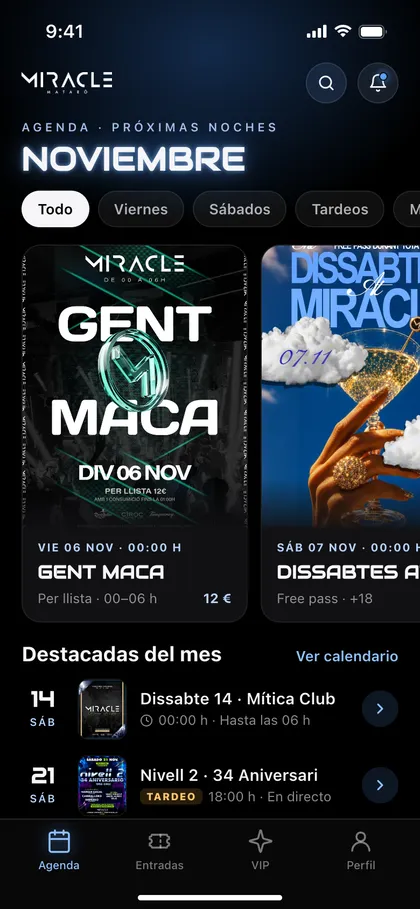
 Real exampleMiracle MataróOnline ticketing platform with real-time QR access control.5,000+ tickets issued without a single incidentSee the project →
Custom and lookalike audiences
Custom audiences are built from your own data: people who visited your website, watched your videos, interacted with your profile or are on your customer list. Lookalike audiences look for people similar to them.
They are the basis of remarketing and, often, of the most profitable campaigns, because you are talking to people who already know you.
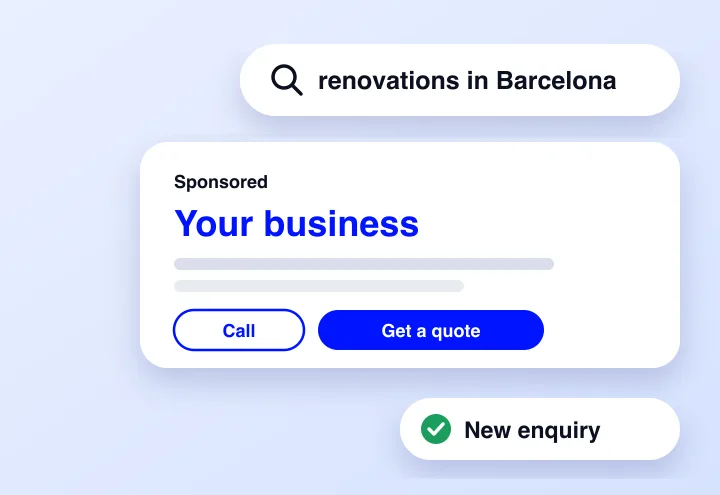
And above all of this, the creative rules. The best audience will not save an ad that fails to stop the scroll in the first second. In practice, the ad also does the targeting: a video about bathroom renovations in Mataró will hold the attention of people thinking of renovating their bathroom in Mataró.
Meta Ads formats: types of ads on Facebook and Instagram
Meta has several types of ads, and each one needs different material. Before choosing, think about what you can produce well:

| Format | What you need to prepare | Works well for |
|---|---|---|
| Image | A clear photo or design, with little text on top. | Simple offers and testing messages quickly. |
| Vertical video (reels and stories) | Short videos shot vertically, with the message in the first few seconds and subtitles. | Showing the product, the service or the team in action. |
| Carousel | Several images or videos that swipe, each with its own link. | Several products, a before and after, or the steps of a process. |
| Catalogue | A product catalogue connected to your shop. | Online shops: showing each person what they have looked at. |
| Instant form | A few well-chosen questions. | Capturing leads without leaving the app. |
| Click to message or call | Someone who replies quickly on WhatsApp, Messenger, Instagram Direct or the phone. | Businesses that close sales by talking. |
On placements, Meta recommends leaving the automatic ones (Advantage+) switched on so that the system spreads the budget where it performs best, and its help pages make clear that adding placements does not make the ad more expensive.
What you should do is prepare each creative in vertical and square formats, so that it looks right in stories, reels and the feed.
Creatives: where you win or lose
In a feed full of friends’ photos and a thousand brands, your ad has one second. The first image or the first few seconds of video have to stop the scroll, speak your customer’s language and make clear what you offer.
Real usually works better than perfect: your team, your premises, your work. Prepare several versions and let the data decide which one stays.
Facebook Lead Ads: winning customers without leaving the app
Ads for leads, the well-known Facebook Lead Ads or Meta Lead Ads, are used to get contact details from interested people. According to Meta, there are four ways to do it:
Instant form
It opens inside Facebook or Instagram when the ad is tapped. It is the most convenient option for the user.
Form on your website
The ad leads to a form you have on your page.
Calls
The ad invites people to call you directly.
Click to message
The conversation starts on Messenger, Instagram Direct or WhatsApp.
Lead generation with Facebook Ads: volume or quality
The instant form brings in many leads because it is very easy to fill in, and precisely for that reason some have no real intention. For lead generation with Facebook Ads to pay off, do this:
- Add one or two questions that filter: area, type of project, timeframe or approximate budget.
- Reply in minutes, not days. A lead that goes cold almost never comes back.
- Connect the form to your CRM or your email, so you do not have to download leads by hand.
- Measure how many leads become customers, not just how many arrive. Meta offers options to optimise for lead quality and to verify details such as the phone number.
Facebook Ads strategy: the funnel in stages
Few people buy the first time they see your ad. That is why a Facebook Ads strategy that works usually has several campaigns, each one for a different moment. This is what is known as the Facebook Ads funnel:
- Get knownAwareness or video campaigns for people who do not know you.
- Drive trafficCheap visits to the website, which also build an audience for later.
- ConvertSales or lead campaigns, focused on the result.
- Win backRemarketing for people who saw the ads or visited the website without buying.
You do not need to set it all up on day one. With a small budget, start with the conversion stage and a remarketing one, and add the others when you know what works.
Facebook Ads success story: Illa Fantasia
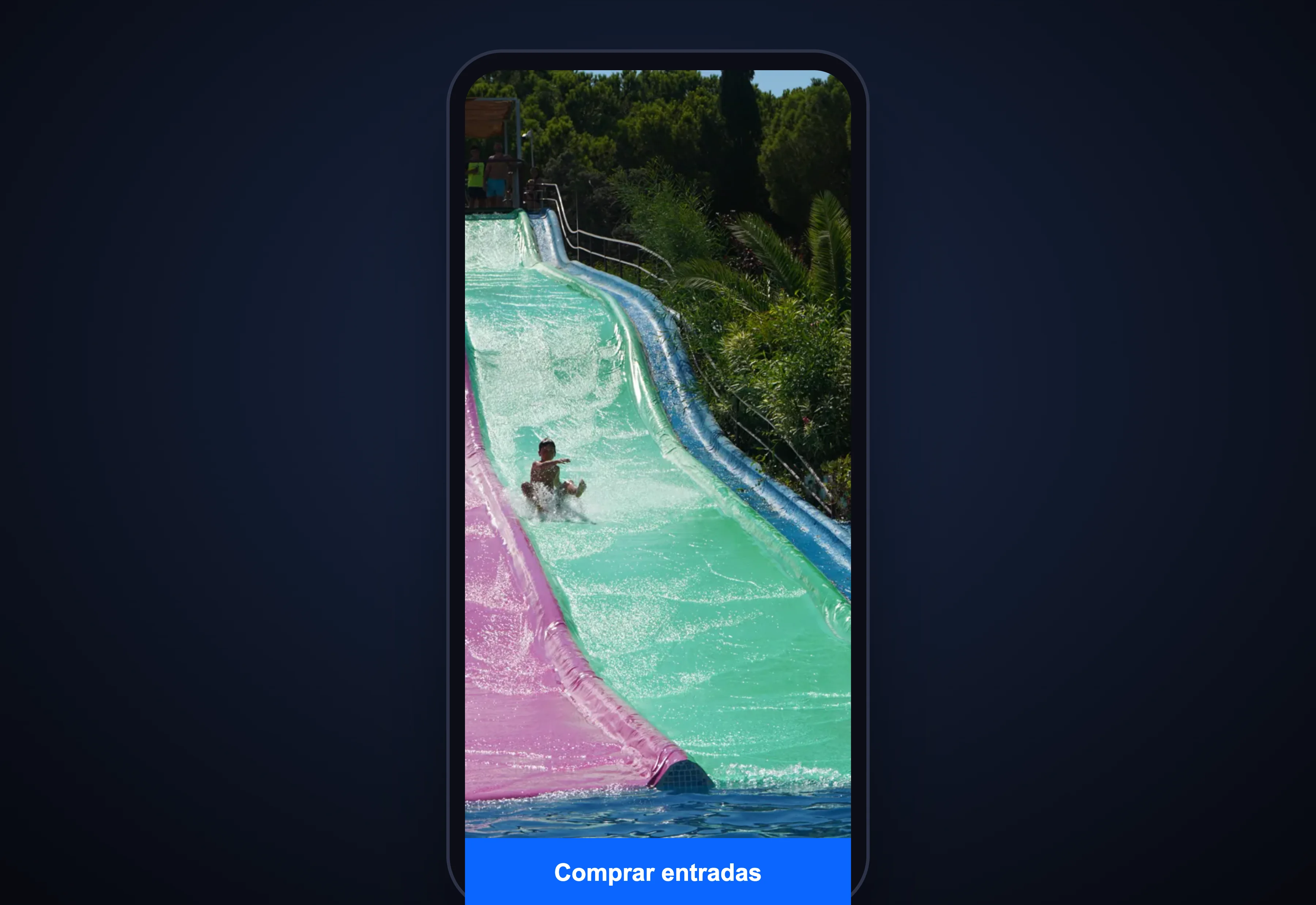
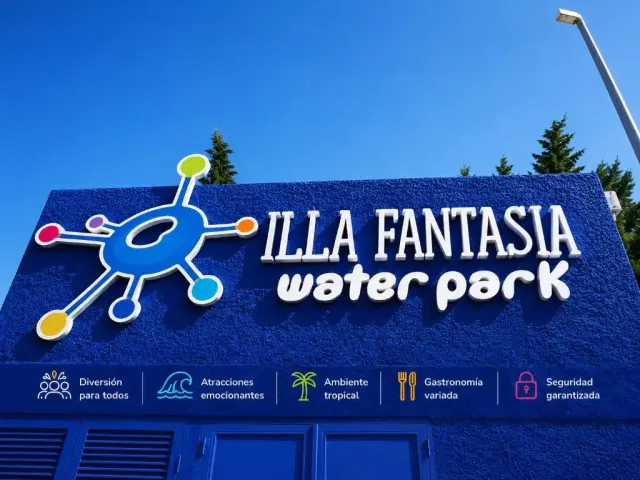
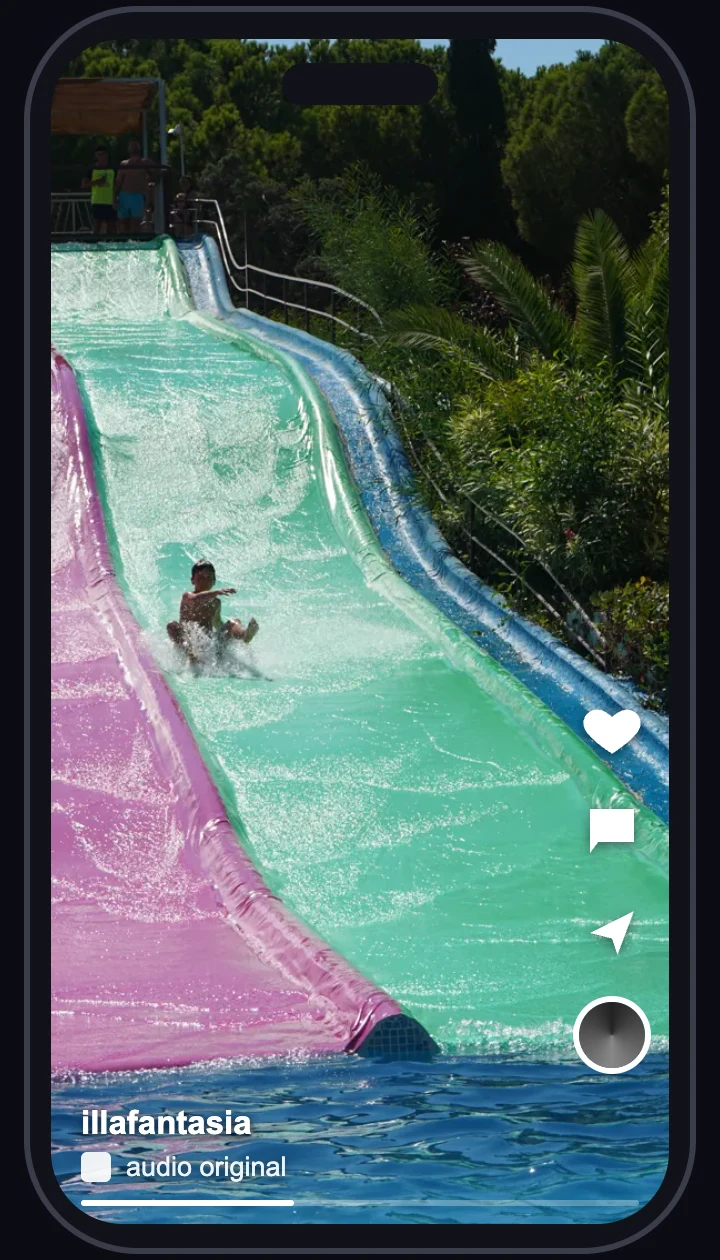
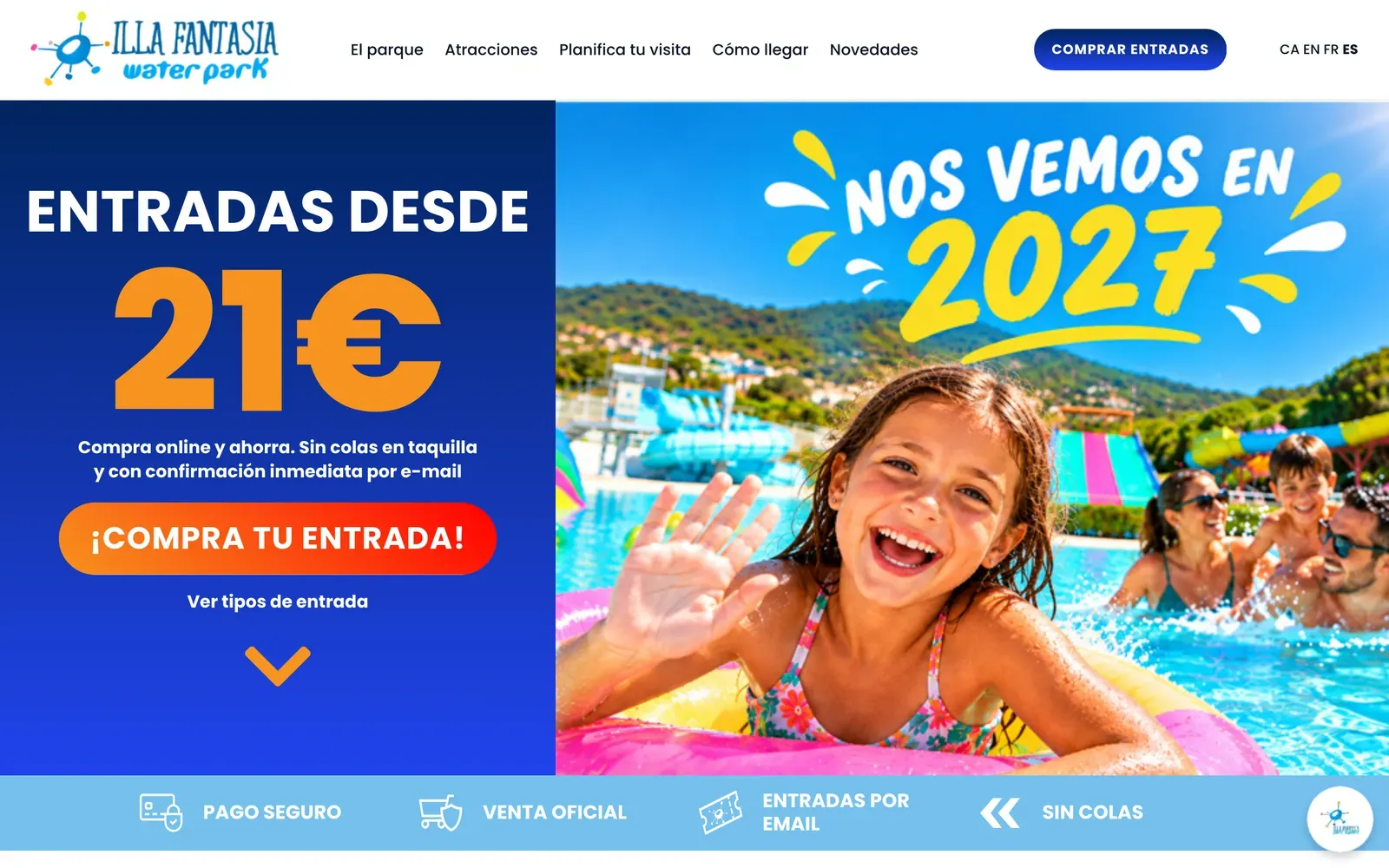
Illa Fantasia, a water park in Vilassar de Dalt, sells almost all its tickets in a few weeks of summer. In 2026 we set up exactly this funnel for them on Instagram and Facebook: reach, traffic, sales and remarketing, with creatives for each attraction, time-limited promotions and purchases measured with the Meta pixel.
The result was a return of ×11.6 on ad spend, with website visits at about €0.06 and a September promotion that returned €36 for every euro.

What you can copy from this case is not the figures, which depend on each business, but the method: a sales objective that is properly measured, one campaign for each stage and a weekly review to reinforce what works. You will find it in full in the Illa Fantasia case study.
Meta Ads that have already worked
How much to invest in Facebook Ads
You do not need a large budget to start, but you do need a steady one. The key is the learning phase: when you create an ad set or change it significantly, Meta explores it to see how to deliver it.
According to its official help, it leaves that phase when it gets about 50 results in the week after the last significant edit. Until then, performance is less stable and the cost per result is usually higher.
A starting calculation
- Choose the result you are going to optimise for: a purchase, a lead, a message.
- Estimate how much each one will cost you. If you do not know, start with a short test and look.
- Multiply by 50 a week. If each lead costs you €8, you would need about €400 a week in that ad set to leave the learning phase.
- If you cannot reach that, merge ad sets into a single one or optimise for a more frequent result (for example, messages instead of purchases) and move up a step when you have data.
The numbers in the example are round and indicative, not a benchmark for your sector. What matters is the logic: with a very small budget spread across many campaigns, none of them learns.
Three things worth knowing about the bill
- The daily budget is flexible. Meta can spend up to 75% more on some days when there are good opportunities, but over the week it never exceeds 7 times your daily budget.
- In Spain there is a 3% location fee. Meta adds it to ads shown to people in Spain to cover Spain’s Digital Services Tax. It comes on top of the budget and appears as a separate line on the invoice.
- Management is a separate bill. You pay the ad spend to Meta with your card; if you delegate the campaigns, management is extra. At GNERAI it starts at €150/month, or €250/month together with Google Ads, with no tie-in. You will find it in online advertising prices.
Always measure the cost of the result that matters to you (a lead, a sale), not likes or reach. Vanity metrics do not pay the bills.
Google Ads vs Meta Ads: which to choose
| Google Ads | Meta Ads | |
|---|---|---|
| How they find you | They search for you: they type what they need. | They see you: it appears while they scroll. |
| Type of demand | Existing: they already have the need. | Latent: they were not yet looking for you. |
| Format | Mostly text in the search engine. | Image and video, very visual. |
| Best for | Emergencies, much-searched services, rational purchases. | Visual products, leisure, offers, getting known. |
| What it optimises | Clicks and conversions from people searching. | The result you choose as the objective: sales, leads, messages… |
In Google Ads vs Facebook Ads there is usually no winner: they do different jobs. If people search for you with clear words (plumber in Mataró), start with Google. If you sell something that can be shown, with Meta.
And if you have the budget for both, Meta creates the demand and Google captures it when people search for you. We go into more detail in Google Ads for small businesses.
Typical mistakes that burn money
- Using the ‘Boost’ button on the post instead of Ads Manager: less control over objectives, audiences and measurement.
- Choosing the wrong objective, such as going for engagement when you want sales.
- Tweaking the campaign every couple of days. Every significant change restarts the learning.
- Spreading a small budget across many ad sets, which never reach 50 results.
- Sending traffic to a slow website or to the home page, instead of to a landing page that follows on from what the ad promised.
- Not installing the pixel and events. Without knowing who buys, Meta optimises blind.
- Measuring likes and reach instead of cost per customer.

Instagram and Facebook: a step-by-step guide for SMEs
If you are going to start on your own, this is the order we recommend in any Meta Ads guide for SMEs:
- A Facebook Page and an Instagram business profile, connected to each other.
- An ad account in your name, with your payment method.
- The Meta pixel installed on the website and events set up (contact, purchase, form).
- A clear landing page for the campaign, or WhatsApp if you sell by talking.
- Three or four creatives in vertical and square formats.
- One campaign with one objective, an ad set with a well-defined area and a budget for several weeks.
- A weekly review: which ad brings results, which one is fading and what to test next.
If you would rather delegate it, at GNERAI we run Meta Ads campaigns for small businesses in Barcelona and the Maresme with a focus on return: a clear objective, creatives designed as ads, a properly configured pixel and a website that lives up to the campaign.
We focus on the ads; we do not handle the day-to-day running of your profiles. You can see how we work at our Meta Ads agency in Barcelona.
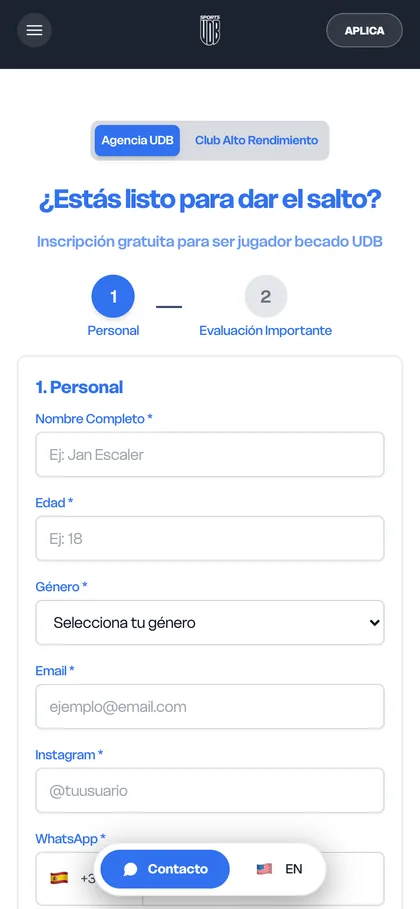
More real examples: UDB Sports
We'll send you our next advertising guide
Google Ads, Meta Ads and what we learn from every campaign, in your inbox. No spam.
Guides for your business, in your inbox
What we publish on websites, SEO, ads and AI for small businesses. No spam, unsubscribe in one click.
Frequently asked questions
What is Meta Ads?
Meta Ads is the advertising platform of Meta, the company that owns Facebook, Instagram, Messenger, WhatsApp and Threads. It used to be known as Facebook Ads. From a single Ads Manager you choose the objective, the audience, the budget and the creatives, and your ads can appear in all of those apps.
How does Meta Ads work?
Every time there is a slot for an ad, Meta runs an auction among the advertisers who want to reach that person. The ad with the highest total value wins, which combines the bid, the likelihood that the person will do what you want and the quality of the ad. That is why a relevant ad can beat another that bids more.
How much should I invest in Facebook Ads?
There is no minimum figure that works for everyone. The useful benchmark is that Meta needs about 50 results a week for an ad set to leave the learning phase. Multiply what each result costs you by 50 and you will have a reasonable weekly budget. If you cannot reach that, concentrate the budget in fewer campaigns.
What are Facebook Lead Ads?
They are ads for getting leads. They can open a form inside Facebook or Instagram, lead to a form on your website, invite people to call you or open a conversation on WhatsApp, Messenger or Instagram Direct. They work best with questions that filter and quick replies.
Which is better, Google Ads or Meta Ads?
It depends on how people buy from you. Google Ads captures people who are already searching for what you sell, ideal for emergencies and much-searched services. Meta Ads creates demand among people who are not yet looking for you, ideal for visual products, leisure and offers. Many small businesses combine both.
What is Meta’s learning phase?
It is the period in which Meta explores how to deliver a new ad set or one that has changed significantly. According to its official help, it usually ends after about 50 results in the week following the last significant edit. During that phase results are less stable and it is best not to touch the campaign.
Does Meta charge a fee for advertising in Spain?
Yes. Meta applies a 3% location fee to ads shown to people in Spain, to cover Spain’s Digital Services Tax. It is added after delivery, comes on top of your budget and appears as a separate line on the invoice.
Further reading
Starting with Meta Ads or want to stop wasting money?
Request the free review of your campaigns. Within 24 hours we tell you whether Meta Ads makes sense for your business, what budget to start with and what we would change in your campaigns.