How to create a website step by step, from scratch
To create a website you need to: define what it has to achieve, choose a domain and hosting, decide on the pages, write the copy, design it with mobile in mind, get the basic SEO and the legal texts in order, and submit it to Google Search Console. You can build it yourself with a website builder or WordPress, or commission it: with us, a custom website starts from €800 and is ready in 3 to 5 weeks.
1 / 15Creating a website today is easy (and that is the catch)
How to create a website that does something useful, not just one that exists: this is the guide we would have liked to read before we started. We explain the eight real steps, from the domain to Google indexing it, which decisions really matter and, to be honest, when it pays to do it yourself and when to commission it.
Creating a website today is easy (and that is the catch)
It has never been so easy to put a website online. There are tools that promise to have it ready in an afternoon, templates for everything and countless tutorials. And yet many SME websites do not work: they do not appear on Google, they look bad on mobile or they do not bring in a single enquiry.
The problem is not creating a website, it is creating one that brings you customers. This guide follows the order in which we work on every project, so that you can apply it yourself or know what to ask of whoever builds it for you.
«Putting a website online is easy. Building one that appears on Google and wins customers is something else.»
GNERAI team
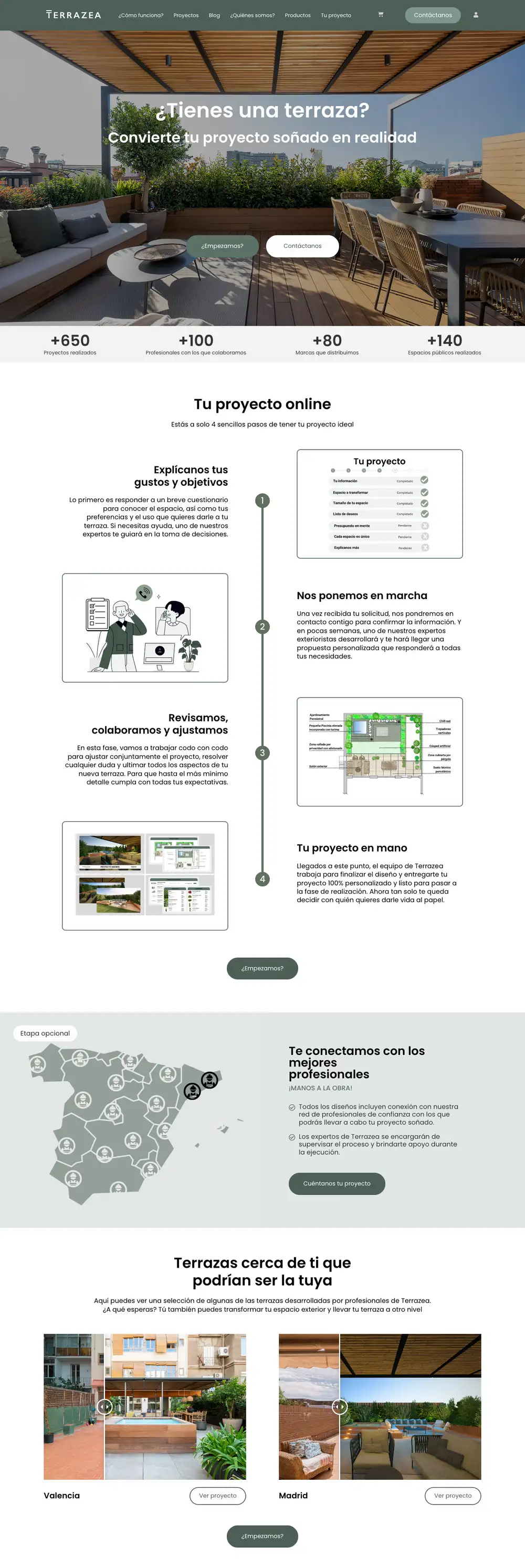
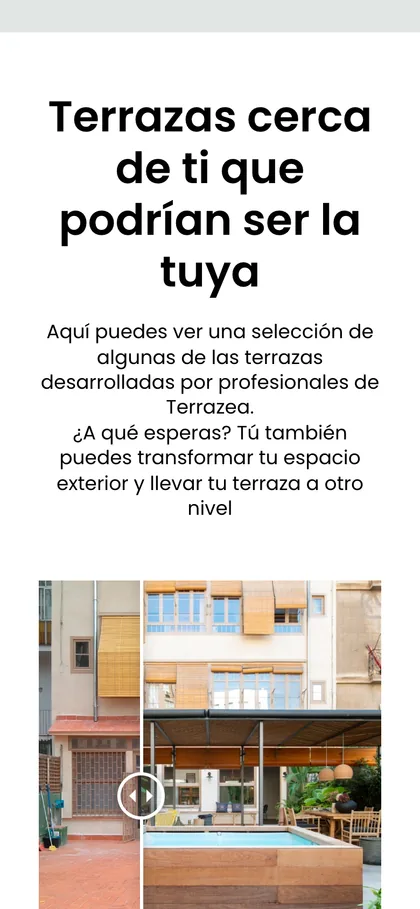
The Terrazea website from top to bottom: real projects, a clear process and contact after every block.
Before you start: what you need to build a website
A website is a set of pages published online under your own address (your domain), stored on a server (the hosting) that anyone can open from a browser. To build one you need four pieces:
Domain
Your address, such as yourbusiness.com or yourbusiness.es.
Hosting
The server where the website lives. With website builders it is included in the subscription.
The tool to build it with
A website builder, a content management system such as WordPress, or custom code.
The content
Copy, photos, logo and contact details. It takes the longest and is the most underestimated.
Three ways to create a website
Before the steps, choose your route. None of them is bad: each one suits a type of business and a budget.
| Website builder | WordPress | With an agency, custom-built | |
|---|---|---|---|
| Who builds it | You, by dragging blocks | You or a professional | A design, copywriting and development team |
| Cost | Monthly platform subscription | Hosting, theme and plugins | From €800 with us |
| Time | Your time, days or weeks | Your time or that of whoever sets it up | 3 to 5 weeks from having copy and photos |
| Design | Builder template | Adapted theme | Made for your brand |
| SEO | Basic | Good if worked on | Included from the start |
| Who it is for | Validating an idea on a small budget | People who publish a lot and have someone to maintain it | Businesses that depend on their website to win customers |
Website builder: fast, but with limits
A website builder gives you the editor, the templates and the hosting for a subscription. It is the fastest way to get something published. The price you pay is dependence: the website lives inside the platform and you usually cannot take it with you.
We compare the options in custom website or WordPress.
Creating a website with AI
There are tools that generate a first draft of a website with AI from a description of your business. They are useful for seeing a structure in minutes and getting over the fear of the blank page.
What they do not do is know what your customer is looking for in your area, what sets you apart or what prices you charge: if you publish the draft as it is, you will have a website that looks like all the others. Use it as a starting point and rewrite the copy with your real information.
Step 1: define what the website is for before touching anything
The most common mistake is starting with the design. Before choosing colours or templates, answer one question: what do you want this website to do? A website for people to find you and call you is not the same as a shop to sell online, or a website that gives your brand credibility when someone looks you up after a meeting.
That goal decides everything else: which pages you need, what the visitor sees first and what action you want them to take (call, message you on WhatsApp, book, buy). Write it down in one sentence. If it does not fit in one sentence, it is not clear yet.
Step 2: choose a domain and hosting
These are the foundations. They are cheap and can be set up in minutes, but it is worth choosing well because changing them later takes work:
- A short domain with your brand. Easy to say over the phone and without odd hyphens. Register it in your name, not in the name of whoever builds your website.
- Hosting chosen for speed and support, not just price. A slow website loses visits and rankings.
- SSL certificate (the padlock and the https). Today it is usually included; if not, insist on it.
- Professional email with your domain (hello@yourbusiness.com). It inspires more confidence than a free account.
We break down what each item costs per year in how much it costs to maintain a website.
Step 3: create the structure of the website
With the foundations in place, decide which pages your website will have. For most SMEs a simple structure works better than one packed with sections:

- Home: what you do, for whom and where, in three seconds.
- One page per main service or product. Each one can rank for its own search on Google; a generic «services» page does not rank for any.
- About us: faces, a short history and why people should trust you.
- Contact: phone, WhatsApp, a short form, address and map if you serve customers on your premises.
- Blog, only if you are going to publish. An abandoned blog does more harm than good.
Before creating a page, think about what your customer would type into Google to find you. If two services are searched for with different words, they deserve two pages.
Step 4: write content that answers your customer
Content is what convinces people and what Google reads to decide where to show you. Write with your customer's questions in mind, not to show off: what problem you solve, how you do it, roughly how much it costs, how long it takes and what they have to do to hire you.
- Short sentences and words your customer would use, not industry jargon.
- A guide price or a «from» price, even if it is a range. It filters enquiries and builds trust.
- Proof: real photos, completed work, reviews, figures.
- A clear call to action on every page.
This is the step that holds projects up most. Our 3 to 5-week timescale starts counting when we have the copy and photos, which is why we can also write them for you.
Step 5: clear design, above all designed for mobile
According to Google's documentation, the search engine uses the mobile version of your website to index and rank it. If it looks bad on mobile, loads slowly or the buttons are hard to tap, you pay for it in visits and rankings.
Design is not about looking pretty, it is about guiding. The visitor should understand in three seconds what you offer, find what they are looking for without a struggle and always have the next step to hand: a visible call or WhatsApp button, a short form. Every element that distracts takes something away.
Step 6: basic SEO so that Google can find you
A website nobody finds is of no use. There is a basic SEO foundation you can have ready from the start:
- A unique title and description for each page, with the words you want to appear for.
- Clean, descriptive URLs (/diseno-web, not /p?id=23).
- A single main heading per page that says what it is about.
- Lightweight images with alt text.
- Internal links between your pages.
- If you serve a local area, a complete Google Business Profile with the same details as your website.
This is the foundation, not full ranking work. To understand what comes next, read what SEO is and how it works.
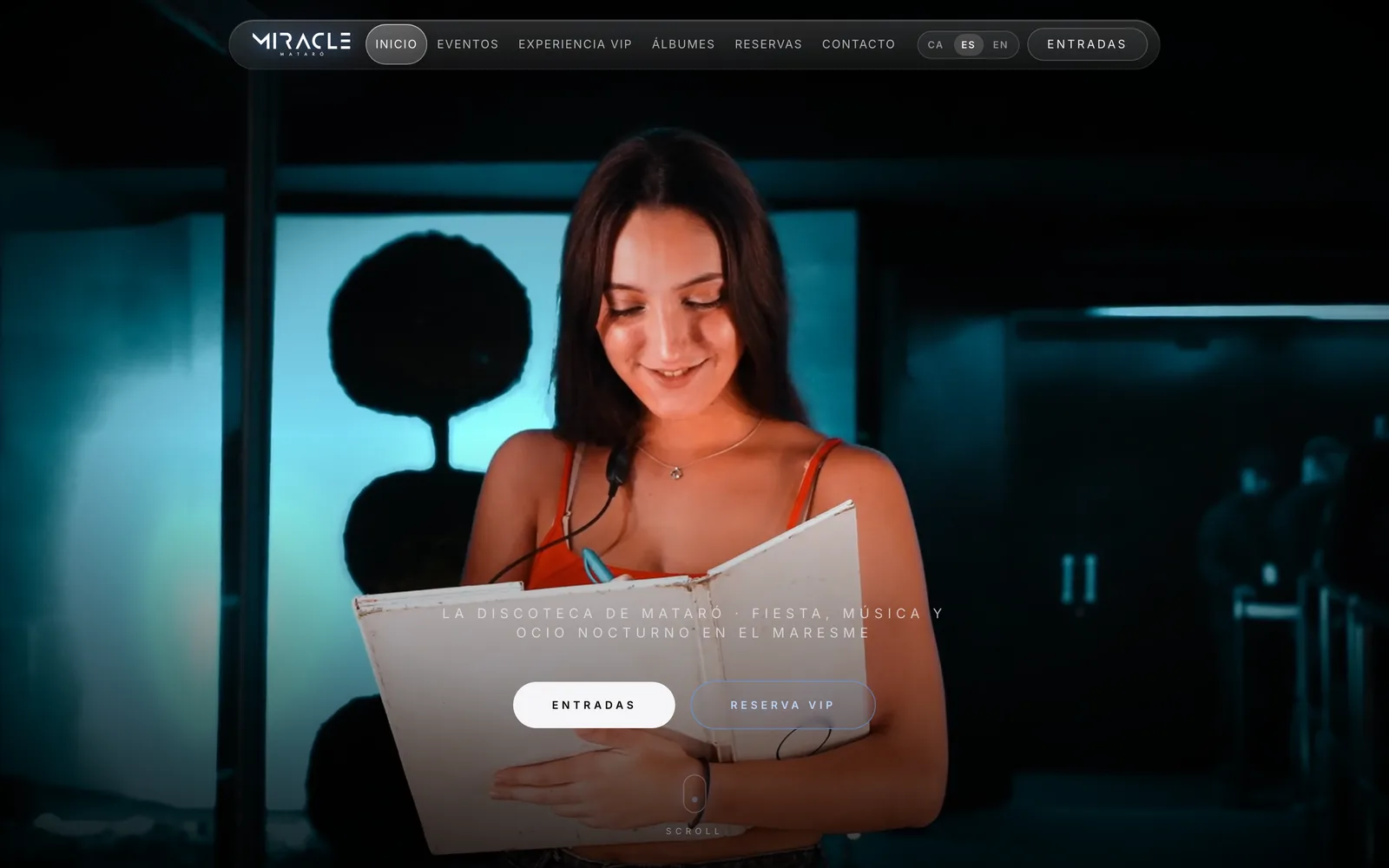
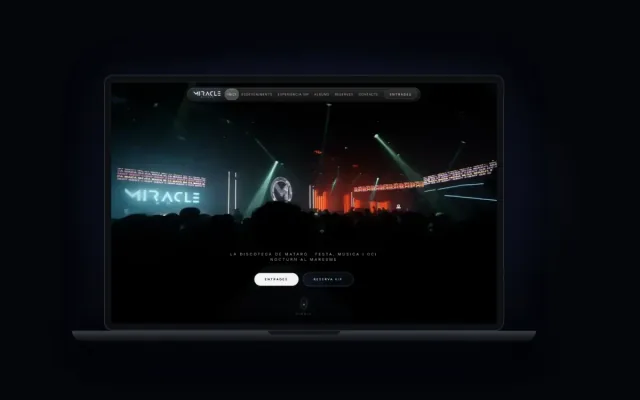
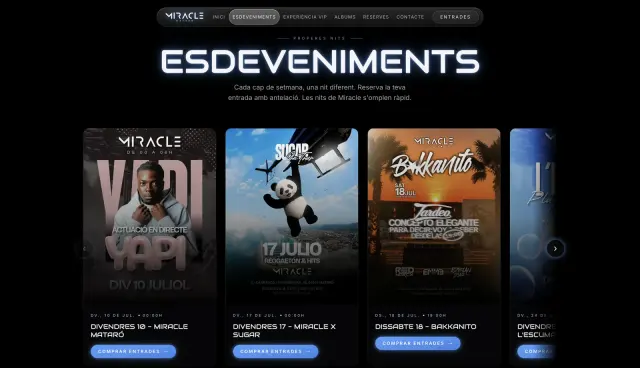 A real case5,000+tickets issued without a single incidentMiracle Mataró · See the project →
Step 7: the legal side and what you cannot see
This is what is most often forgotten when creating a website from scratch. In Spain, a business website needs at least:
- Legal notice with your company details.
- Privacy policy, especially if you have a form.
- Cookie policy and banner if you use analytics or advertising pixels.
- A consent checkbox on forms that collect personal data.
And the technical side you cannot see: backups, a form that really reaches your inbox (test it), analytics installed and error pages that do not leave the visitor stranded.
Step 8: publish it, get Google to index it and measure
Publishing is not the end. To get Google to index your website sooner, add it to Google Search Console, submit the sitemap and request indexing of the main pages. Then be patient: being indexed is not the same as ranking.
We explain it in how long Google takes to index a website.
And measure from day one: how many visits arrive, where from and how many end in a call, a WhatsApp message or a form. Without that data you will not know what to improve.
Creating a website to sell
If you want to sell online, the steps are the same, but you add a catalogue, payments, shipping, taxes and your own terms of sale. There are two routes: a shop platform with a monthly fee and commissions, or a custom shop when your rules do not fit a platform (prices per customer, configurators, bookings with payment).
Before you launch, make sure you still have a margin after commissions and shipping, and that someone will handle orders and returns. We explain it in how to create an online shop, and if you would rather we set it up for you, in online shops (from €950).
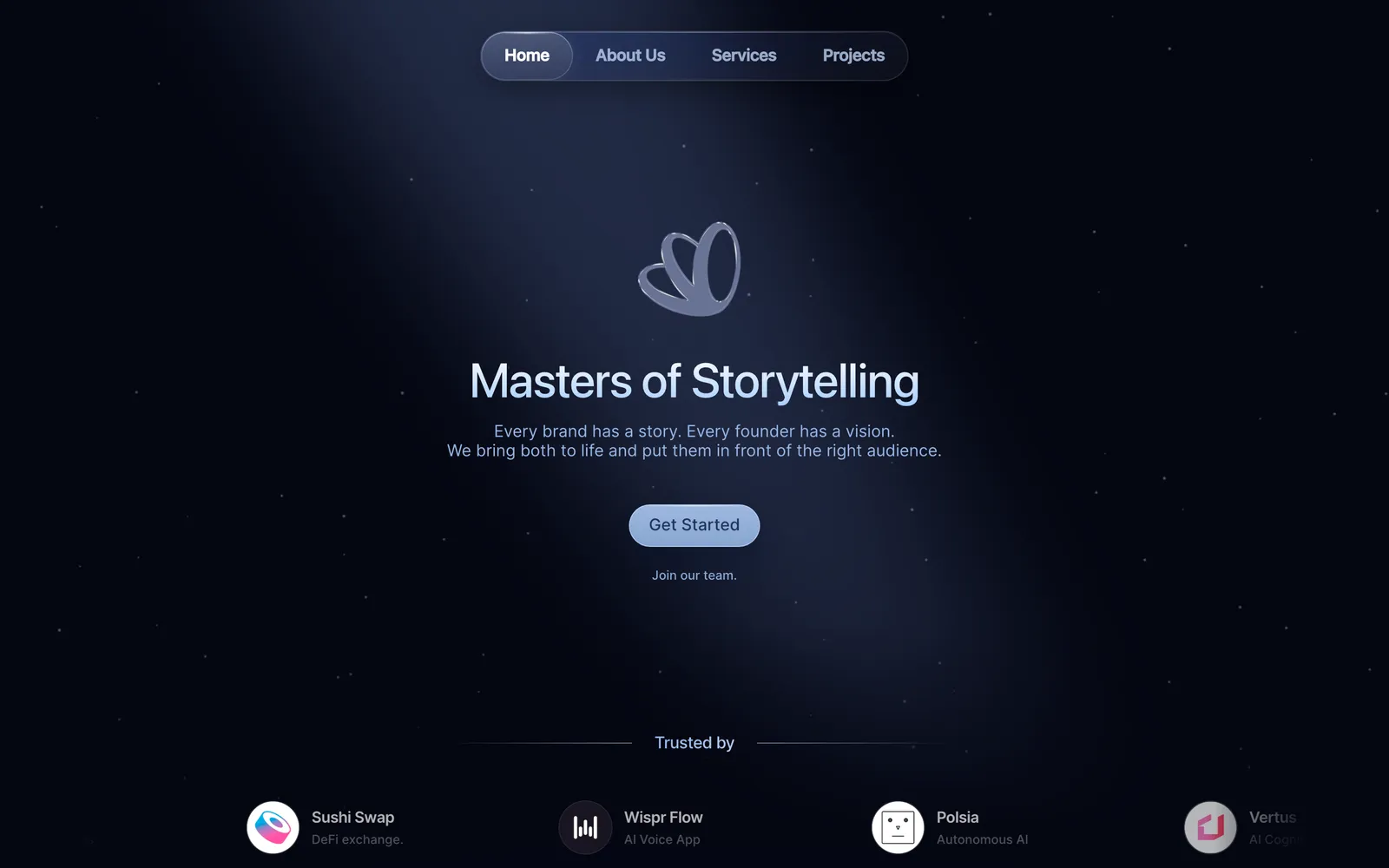
 Real exampleSEES ProductionAn editorial online presence for a high-end audiovisual production company.+140% time on siteSee the project →
Do it yourself or hire someone? The honest answer
Not everyone needs an agency. If you are just starting out, have time, are on a very tight budget and only need a basic presence to validate an idea, building it yourself with a website builder is a reasonable first step.
The calculation changes when the website becomes a business tool: if you depend on it to win customers, if you are competing for valuable searches or if your brand needs to convey professionalism.
Then doing it yourself usually costs a lot in hours and in customers who never arrive. For a professional business website, our starting prices are:
| Type of website | Guide price | Timescale |
|---|---|---|
| Simple custom website | from €800 | 3 to 5 weeks |
| Brochure or corporate website (5–8 pages) | from €800 | 3 to 4 weeks |
| Website with several services and a blog | from €800 | 3 to 5 weeks |
| Online shop | from €950 | Depending on catalogue and integrations |
Timescales count from when we have the copy and photos. You will find the details of each plan in website prices.
Creating a website in Barcelona or the Maresme
We are based in Cabrera de Mar, next to Mataró. If you would rather we helped you create your company website, with someone nearby you can sit down with, see web design in Barcelona or web design in Mataró.
Website mistakes we see every week
- Starting with the design without knowing what the website has to achieve.
- Putting all the services on a single page.
- Generic copy that would work for any competitor.
- No guide price and no clear call to action.
- Domain or hosting in the name of whoever built the website, not the business.
- A form nobody has tested that does not reach any inbox.
- Publishing it and forgetting about it: no Search Console, no analytics, no updates.
If your website is a few years old and you recognise several of these, it may be time for a redesign rather than a patch: we look at it in website redesign.
We'll send you our next web design guide
Prices, mistakes and real small-business website examples whenever we publish. No spam.
Guides for your business, in your inbox
What we publish on websites, SEO, ads and AI for small businesses. No spam, unsubscribe in one click.
Frequently asked questions
What is a website?
A website is a set of pages published online under your own address, the domain, stored on a server and accessible from any browser. For a business, it is the place where people find you, check that you can be trusted and contact you, book with you or buy from you.
How do you create a website step by step from scratch?
Define what it has to achieve, choose a domain and hosting, decide on the pages, write the copy, design it with mobile in mind, get the basic SEO and the legal texts in order, and publish it by adding it to Google Search Console. Then measure visits and enquiries to improve it.
How can you make a website for free?
Some website builders have free plans, but they publish the website on a subdomain of the platform and with its advertising. They are fine for testing. For a business you need at least your own domain, so expect a small annual cost even if you build it yourself.
How do you create a website to sell online?
Follow the same steps as for any website and add a catalogue, payment gateway, shipping, taxes and terms of sale. You can use a shop platform with a fee and commissions, or a custom shop if your rules do not fit a platform. With us, an online shop starts from €950.
How do you create a website with artificial intelligence?
There are tools that generate a draft website with AI from a description of your business. Use them to get a quick structure, but rewrite the copy with your real information: services, area, prices and proof. A draft published as it is looks like thousands of other websites and does not set you apart.
How do you create a website in WordPress?
Buy a domain and compatible hosting, install WordPress (many hosting providers do it in one click), choose a lightweight theme, create the pages, install only the essential plugins and set up backups. Then keep the core, theme and plugins up to date: it is the part most often forgotten.
How do I create a website for my business or company?
Start with what has to happen on the website: calls, bookings or quote requests. Make one page per service, an about us page and a contact page, with guide prices and real proof. A business website of 5 to 8 pages starts at €800 with us.
How do I get Google to index my website?
Add the website to Google Search Console, verify ownership, submit the sitemap and request indexing of the main pages with the URL inspection tool. Being indexed by Google does not mean appearing at the top: to rank you need useful content, links and time.
Next steps for your website
Would you rather we built it properly from the start?
Ask for a free quote and within 24 hours we tell you what website you need, what it would cost and how long it would take us, with no obligation.