Real estate software: which programs agencies use and how to choose them
A real estate agency usually works with six types of software: a CRM for listings and contacts, a portal publishing tool, the website, e-signature for instructions and contracts, a valuation tool and automations that connect it all. Many real estate CRMs bring several pieces together in one. Choose according to how your team works, not the feature list, and consider custom software when your process does not fit.
1 / 8What real estate software is (and why it is almost never just one)
When people talk about real estate software they usually think of a single program. In practice, an agency works with five or six at once: the CRM, portal publishing, the website, e-signature, the valuation tool and the tools that connect everything. We look at what each piece does, how to choose the program for your agency and when it pays to go custom.
What real estate software is (and why it is almost never just one)
Real estate software is any program an agency uses to win, manage and close sales or lettings. The best known is the CRM, but it is not the only one.
Think of an agency with four agents in Mataró. The properties are in the CRM, which publishes them on Idealista, Fotocasa and Habitaclia. Enquiries come in through the portals, the website, the phone and each agent’s WhatsApp.
Instruction forms are signed on paper or with a signing app. Valuations are done in Excel. And the website is the template that came with the CRM.
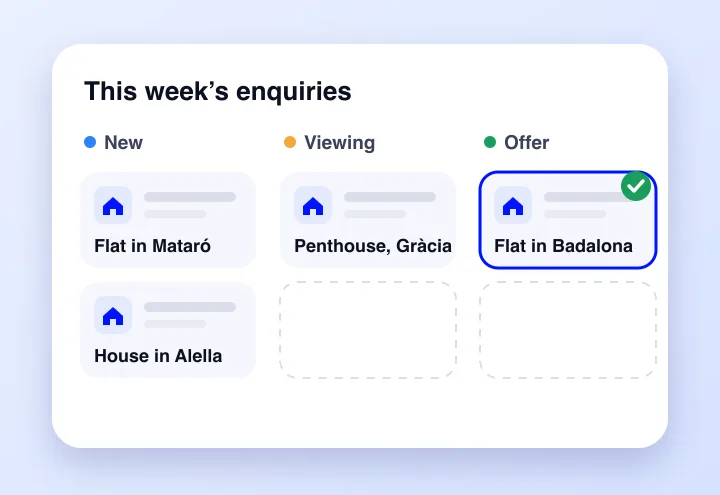
That is at least five tools. Whether they work well separately matters less than one question: does every enquiry and every piece of data pass from one to the next without anyone copying it by hand? That is where an agency gains or loses hours.
The programs a real estate agency uses, piece by piece
Real estate CRM
It is the hub: properties, owners, buyers, viewings and sales. It matches what each buyer is looking for with what you have on your books and reminds you who to call. If you are choosing a CRM, you will find the criteria and a comparison of the best known in Spain in our guide to the best real estate CRM.
Multi-portal publishing
It publishes each property on several portals at once and keeps price, photos and withdrawals in sync. In Catalonia the usual thing is to be on Idealista, Fotocasa and Habitaclia. Almost every real estate CRM includes it.
What is worth checking is the return journey: that enquiries from each portal go straight into the CRM with the property they are interested in. Bear in mind that each portal’s fee is paid separately.
The agency’s website
Many CRMs include a template website connected to your listings. For showing properties, that is enough. For winning sellers from Google it usually falls short: it needs pages by area, a visible valuation and content of its own.
We explain it in our guide to SEO for real estate agencies.
E-signature and documents
Instruction forms, reservations, deposit agreements and tenancy agreements. An e-signature tool saves an owner in Sant Cugat from having to come into the office to sign an instruction. Some CRMs have it built in and others connect with external services.
Ask whether the signed document goes back to the property record automatically or has to be uploaded by hand.
Valuations
There are two different things here. The online valuation tool on the website, which wins sellers in exchange for a guide range. And the internal tool the agent uses to prepare the valuation report with comparables.
Neither replaces an official appraisal, which is carried out by an approved valuation company and is what the bank requires for a mortgage.
Automations and AI
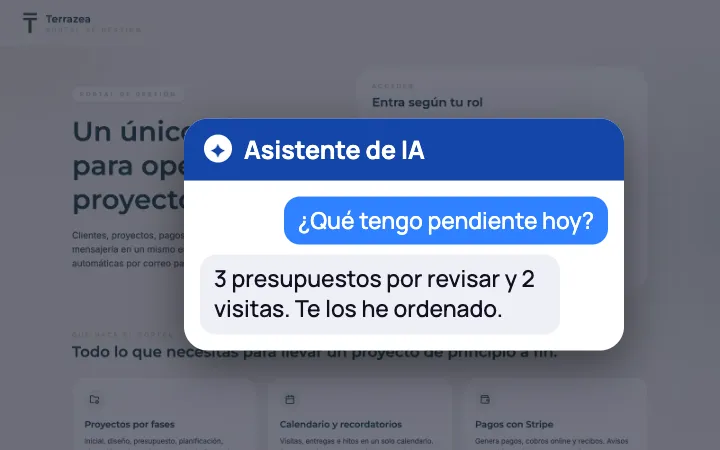
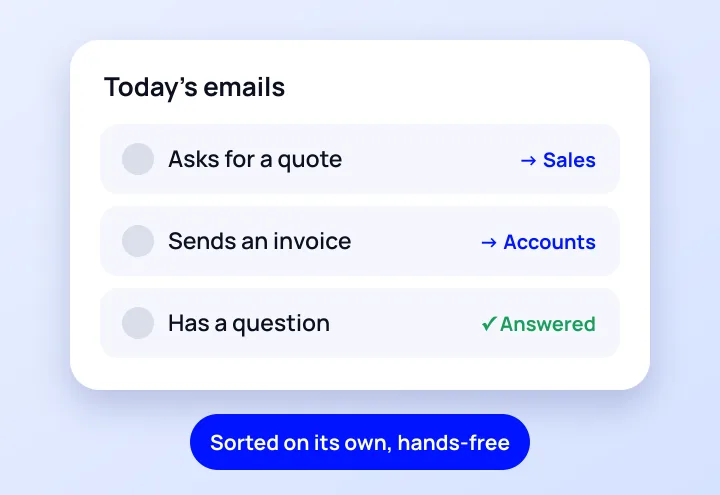
The pieces that join everything above: the website form that creates the contact in the CRM and alerts the agent, the follow-up that goes out automatically three days after a viewing, the alert when a buyer matches a new property.
With AI, also writing property descriptions, sorting enquiries or summarising conversations. We cover it in process automation.
| Piece | What it is for | Does it usually come with the CRM? | Sign that you are missing it |
|---|---|---|---|
| CRM | Listings, contacts and follow-up | It is the CRM itself | Contacts in notebooks, WhatsApp and Excel |
| Portals | Publishing and syncing listings | Almost always | Different prices on each portal |
| Website | Shop window and winning sellers | Often, as a template | Not a single valuation comes from Google |
| E-signature | Instructions and contracts remotely | Depends on the provider | Owners who take days to sign |
| Valuations | Winning sellers and justifying the price | Some include it | Reports done by hand for every viewing |
| Automations | Data that flows on its own | The basic ones | Someone copies data between programs every day |
All-in-one or separate pieces
There are two ways to set up an agency’s software. The all-in-one suite brings together CRM, portals, website and sometimes e-signature in a single program. It is easier to get up and running, you have a single provider and the data is in one place.
In exchange, each piece is only as good as the weakest in the package, and changing one means changing everything.

Separate pieces let you choose the best at each thing: a CRM, your own website, a signing service. You gain flexibility, but you have to connect them, and if nobody does, the work of copying data falls on your team.
For a small agency with a classic process, the suite is usually the sensible choice. If it grows or has a process of its own, the usual approach is to keep the CRM and add well-connected pieces.
How to choose the program for your agency
The most common mistake is starting with the demos. Every provider shows what it does best, and in the end you choose the one that impressed you most. It is better to start with your agency:

- Map out the journey of a sale from the moment an owner comes in to the notary, and note which tool is used at each step.
- Count the manual hand-offs: every time someone copies data from one program to another is a point to improve.
- Decide where the truth lives: a single place holding the real status of every property and every contact.
- Ask about connections: whether the program integrates with what you already use and whether you can export all your data.
- Test it out on the street: an agent should be able to log a viewing and upload photos from their phone without going back to the office.
- Do the maths over two years: with the team you expect to have, not the one you have today.
Example: the journey of an instruction
Imagine an agency in El Masnou with three agents doing this exercise with a typical sale. The result usually looks something like this:
- The owner requests a valuation on the website. It arrives by email and someone copies it into the CRM.
- The agent visits the flat and prepares the valuation in Excel.
- The instruction form is signed on paper and scanned.
- The property is added to the CRM and published automatically on the portals.
- Buyers get in touch through the portals and through the agent’s WhatsApp, which is not recorded in the CRM.
Four of the five steps depend on someone copying something or on data staying on a phone. None of them is solved by changing CRM: they are solved by connecting the website, e-signature and WhatsApp to the CRM they already have.
Before changing program, check whether the problem is the program or the connections between programs.

How much an agency’s software costs
Real estate CRMs on the market are paid for with a monthly fee, per user, by number of properties or at a flat rate. Some publish their prices: Sooprema, for example, advertises a plan from €39 a month for up to 150 properties. Others only give a price after a demo.
Add everything else to that fee: the portals, which are paid separately, e-signature if it is not included, the website if you do not use the template one, and the hours of whoever connects or copies data. Those hours do not appear on any invoice, but they are the highest cost at many agencies.
Custom development works differently: you pay an investment in phases and there are no per-user licences. With us it begins with a first module, with a custom quote and a first usable version in 4 to 8 weeks.
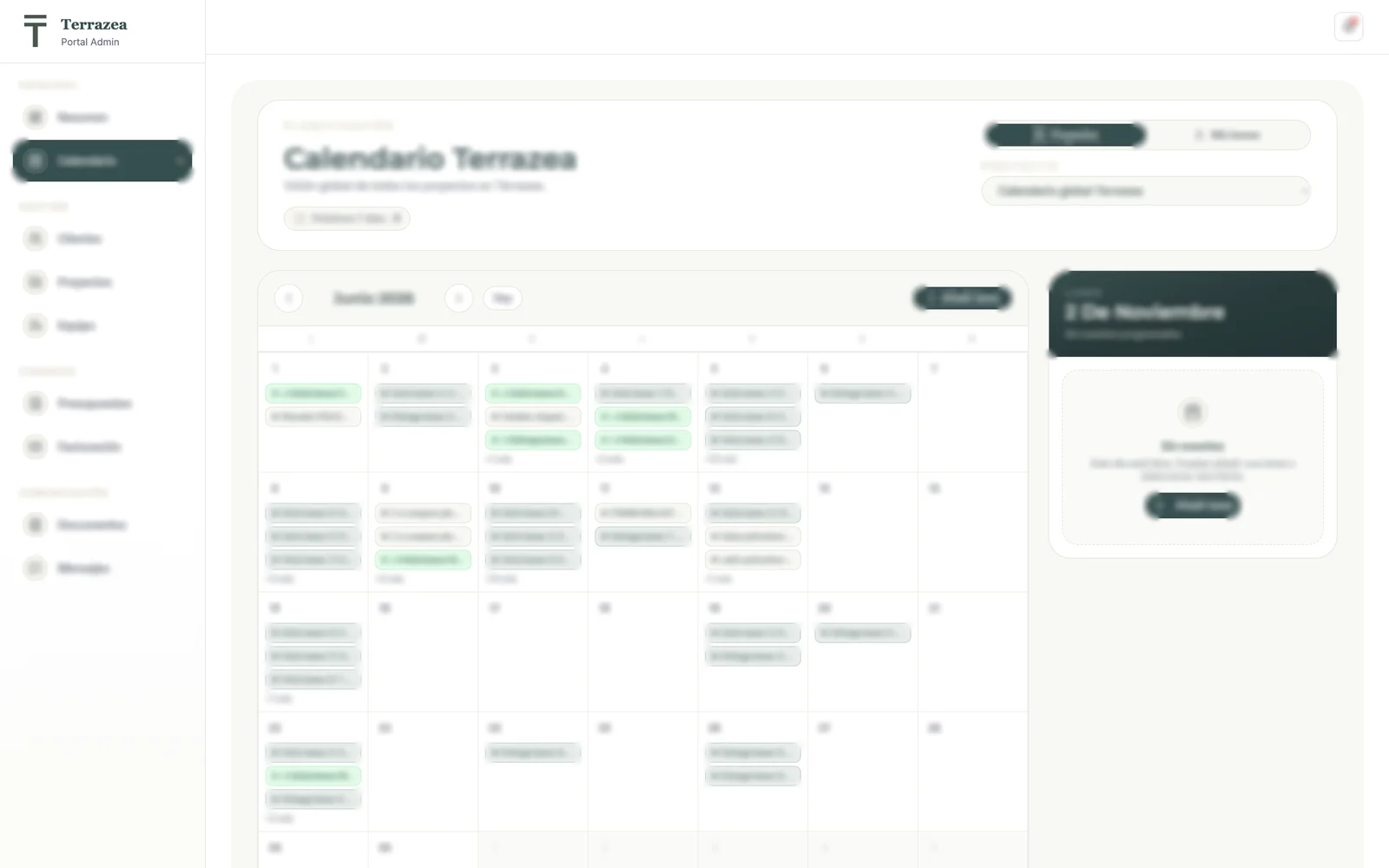
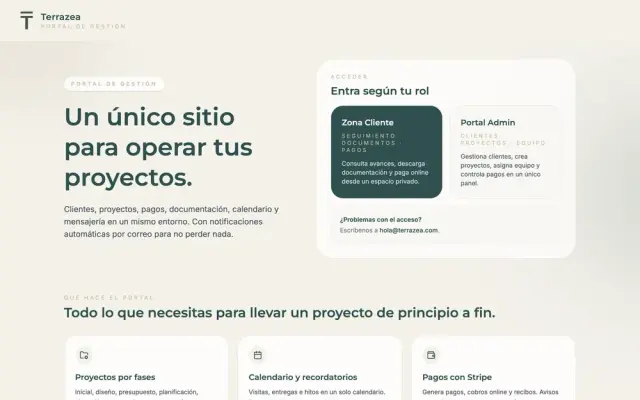 A real case−60%time spent on admin tasksTerrazea · See the project →
When custom real estate software makes sense
If your agency wins, publishes, shows and closes like most, a CRM on the market works out cheaper and you have it running in days. Your own software pays off in other cases:
- Your way of valuing or winning instructions is your edge and does not fit into the fields of a generic program.
- You work with investors, new builds or developments and every report is put together by hand.
- You need data that no CRM integrates: auctions, bank-owned flats or other sources that someone checks every morning.
- Your pieces do not talk to each other and connecting them with what the market offers is expensive or impossible.
Custom does not mean throwing away what you have. It can be a module that sits alongside your CRM and your portals: a single enquiry inbox, a sales dashboard or a screening of opportunities.
Real estate software for screening opportunities, for example, can monitor bank-owned flats, servicers and auctions in the BOE (Spain’s Official State Gazette) and calculate the net profit on each property after subtracting ITP (property transfer tax), notary fees, renovation and tax.
If your process no longer fits in a standard program, see how we work on a custom real estate CRM: in phases, with a fixed quote and with the code handed over. And if the assessment shows that an off-the-shelf one is enough for you, we will tell you.
Mistakes when setting up an agency’s software
- Choosing from the demo and not from the real journey of your sales.
- Deciding without the agents. If the people out on the street do not use it, the CRM fills up with half-finished data.
- Migrating without cleaning up: carrying duplicate contacts and withdrawn properties over to the new program.
- Letting each agent keep their contacts on their personal WhatsApp. When they leave, the contacts leave with them.
- Not checking the export before signing. Your data has to be able to leave in full the day you switch.
And if the problem is not the software but that too few instructions come in, no program will fix it. We deal with that in our guide to digital marketing for real estate agencies.
We'll send you our next software and AI guide
Automations, software and real cases to save hours in your business. No spam.
Guides for your business, in your inbox
What we publish on websites, SEO, ads and AI for small businesses. No spam, unsubscribe in one click.
Frequently asked questions
What software do real estate agencies use?
Almost all of them use a real estate CRM for listings and contacts, which usually includes publishing on portals such as Idealista, Fotocasa or Habitaclia. Around it they add a website, an e-signature tool, something to prepare valuations and, increasingly, automations that connect it all.
What is the best program for real estate agencies?
The one that fits how your agency works and connects with what you already use. For an agency with a classic profile, an established real estate CRM covers the essentials. You will find criteria and a comparison in our guide to the best real estate CRM.
What is the difference between a real estate CRM and real estate software?
The CRM is one type of real estate software: the one that manages properties, contacts and follow-up. “Real estate software” covers more: portal publishing, website, e-signature, valuations, rental management or automations. Many CRMs include several of these pieces.
Do I need a multi-portal publishing program as well as the CRM?
Usually not: almost every real estate CRM publishes on the main portals. Check which ones it connects with, whether it syncs price and withdrawals, and whether enquiries from each portal come back to the CRM automatically.
Does a generic CRM work for a real estate agency?
It can, but generic CRMs do not come with property records, matching between demand and supply or portal connections as standard. They have to be adapted, and that costs hours or development. If your process is the usual one, a real estate CRM usually works out better value.
How much does real estate software cost?
CRMs on the market are paid monthly, per user, per property or at a flat rate; portals are extra. Custom real estate software with us begins with a first module, with a custom quote and no per-user licences.
Can I change program without losing my data?
Yes, if your current program lets you export complete contacts, properties and sales. Check this before signing up for the new one, clean out duplicates before migrating and plan the switch outside your busy season.
Does custom software replace the CRM and the portals?
Not necessarily. Often it is a module that sits alongside your CRM: a single enquiry inbox, a sales dashboard or reports for investors. You start with whatever takes up the most hours and expand only if it pays off.
To keep deciding
Is your agency losing hours between programs?
Work out for free how much you would save. In less than 24 hours we will tell you whether connecting what you have is enough, or whether to change CRM or build a custom module.