Technical SEO: what it is and what to check on your website
Technical SEO is the part of SEO that makes sure Google can crawl, index and show your website properly: that pages are not blocked, that they load fast (Core Web Vitals), that they work on mobile, that they use HTTPS, that redirects are correct and that there is a sitemap and structured data. It is checked with Google Search Console and fixed before working on content and links.
1 / 7What technical SEO is
Technical SEO is what lets Google find, read and show your website without problems. You cannot see it, but if it fails, it does not matter how good your content is. Here is what it includes, how to check it with Search Console and what to fix first.
What technical SEO is
SEO has three parts. Technical SEO is the foundation: if it fails, the other two deliver much less.
Technical SEOThe foundation
That Google can crawl, understand and show your website.
On-page SEOThe content
That each page answers a search: titles, copy, internal links.
Off-page SEOThe reputation
That other websites and your clients talk about you: links, mentions, reviews.
You will find the other two parts in on-page SEO: guide and checklist and off-page SEO: what it is.
What technical SEO includes
- CrawlingThat robots.txt does not block important pages and that a sitemap has been submitted to Google.
- IndexingThat there are no forgotten noindex tags or duplicate pages without a canonical.
- SpeedThat the website loads fast, especially on mobile. Google measures it with the Core Web Vitals.
- MobileGoogle indexes every website using its mobile version. If content is missing on mobile, for Google it does not exist.
- HTTPS and securityA valid certificate and every page on https, with no mixed content.
- Redirects and errorsThat old URLs lead to the new ones with a 301 and that there are no broken links.
- Structured dataCode that tells Google what each thing is: your business, your FAQs, your articles.
Core Web Vitals: the speed Google measures

These are the thresholds Google considers good. You can see them in the «Core Web Vitals» report in Search Console, with data from real users. What fails most often on small-business websites: huge images, too many plugins, and fonts and scripts that load before they are needed.
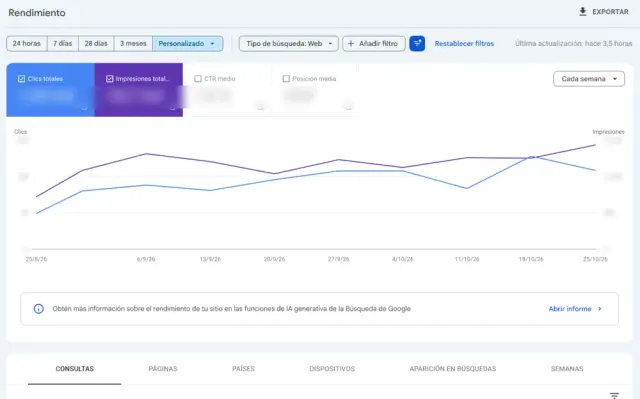
How to check technical SEO with Search Console
| Report | What it tells you |
|---|---|
| Page indexing | Which pages are on Google and why others are not |
| Sitemaps | Whether Google reads your sitemap and how many URLs it finds |
| Core Web Vitals | Which pages are slow on mobile and desktop |
| HTTPS | Whether any page is not served over https |
| Enhancements | Errors in structured data |
| URL Inspection | How Google sees a specific page, and requesting indexing |
Search Console is free. If you do not have it, it is the first thing to set up: without it, technical SEO is done blind.
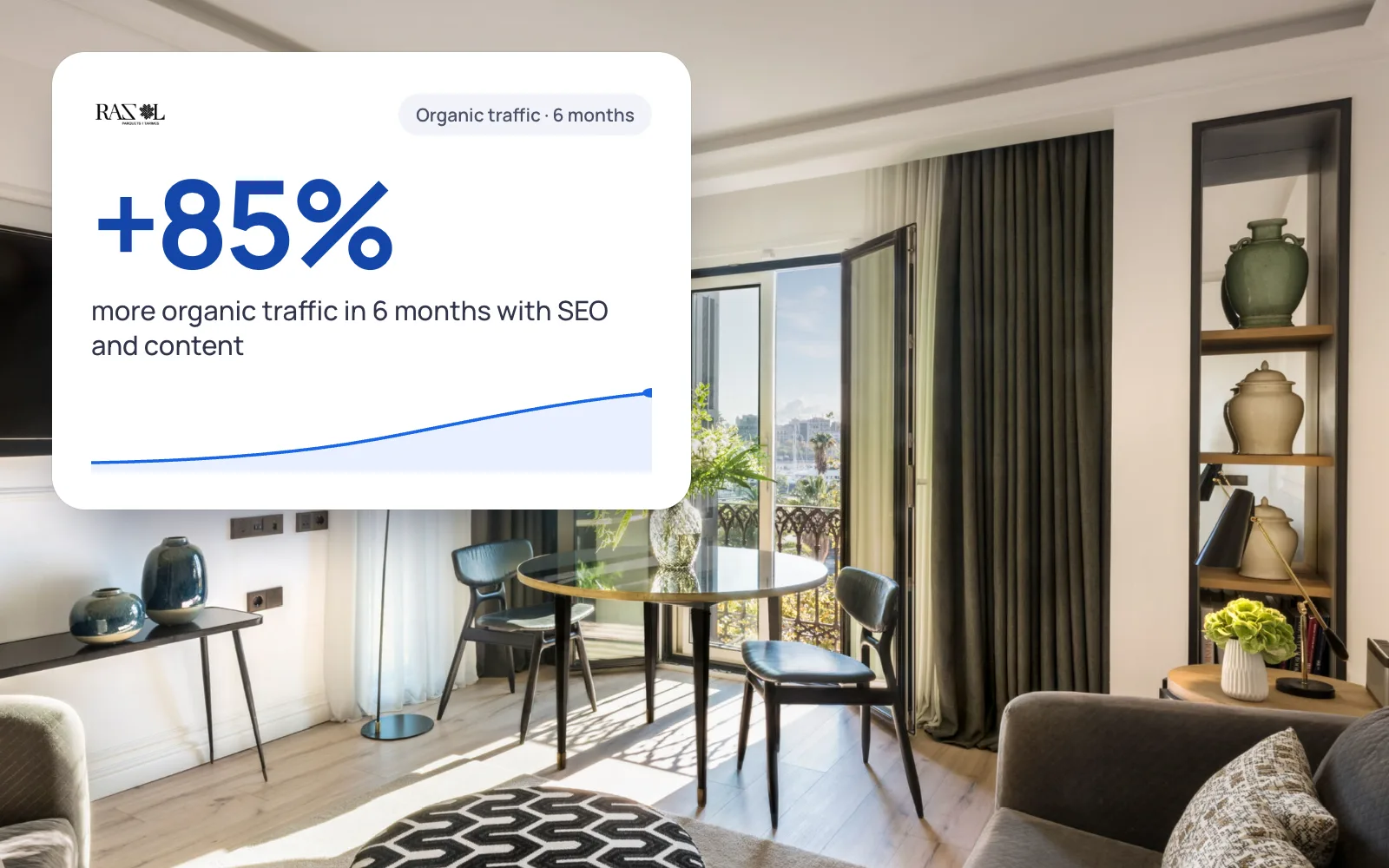 A real case+85%organic traffic in 6 monthsRazol Parquet · See the project →
How to fix the most common SEO problems
- Important page not indexed: check that it has no noindex and is not blocked in robots.txt, link to it from other pages and request indexing.
- Slow website on mobile: compress and resize images, remove plugins you do not use and defer whatever is not needed on load.
- 404 errors after rebuilding the website: redirect each old URL to the new one with a 301.
- Duplicate pages (with and without a trailing slash, with parameters): a canonical that says which one is the right one.
- Sitemap with URLs that do not exist: have it generated automatically with only valid pages.
If a page takes a while to appear, we explain it in detail in how long Google takes to index a website.
Technical SEO checklist
- Search Console set up and the sitemap submitted.
- No important pages under «Not indexed» by mistake.
- Core Web Vitals in green on mobile.
- Everything on https and a single version of the domain (with or without www).
- 301 redirects from the old URLs.
- A single H1 and a different title on each page.
- Structured data for your business with no errors.
- A mobile version with the same content as the desktop one.
If you would rather we review it, the SEO audit in Barcelona covers the whole technical side with a plan ordered by impact.
More real examples: SEES Production
We'll send you our next SEO guide
What's changing in Google and what works for our clients, explained for small businesses. No spam.
Guides for your business, in your inbox
What we publish on websites, SEO, ads and AI for small businesses. No spam, unsubscribe in one click.
Frequently asked questions
What is technical SEO?
The part of SEO that makes sure Google can crawl, index and show your website properly: robots.txt, sitemap, speed, mobile, HTTPS, redirects and structured data.
What is the difference between technical SEO and on-page SEO?
Technical SEO is about Google being able to read your website; on-page SEO is about each page answering a search well. Technical comes first.
What are Core Web Vitals?
Three Google metrics on the loading experience: LCP (how long the main content takes to appear, good if it is 2.5 s or less), INP (how long it takes to respond, 200 ms or less) and CLS (how much the page shifts, 0.1 or less).
How do I know if my website has technical SEO problems?
In Google Search Console: the Page indexing, Core Web Vitals, HTTPS and Enhancements reports tell you what is failing and on which pages.
How often should technical SEO be checked?
A thorough review once a year and whenever you rebuild the website or change platform. Search Console emails you about new errors.
Can I do technical SEO myself?
The basics, yes: Search Console, sitemap, light images and redirects. Speed and structured data usually need someone technical.
Keep reading
What is holding your website back on Google?
We review the technical side of your website for free and tell you what to fix first.