Local SEO: what it is, how it works and how to appear on the Google map
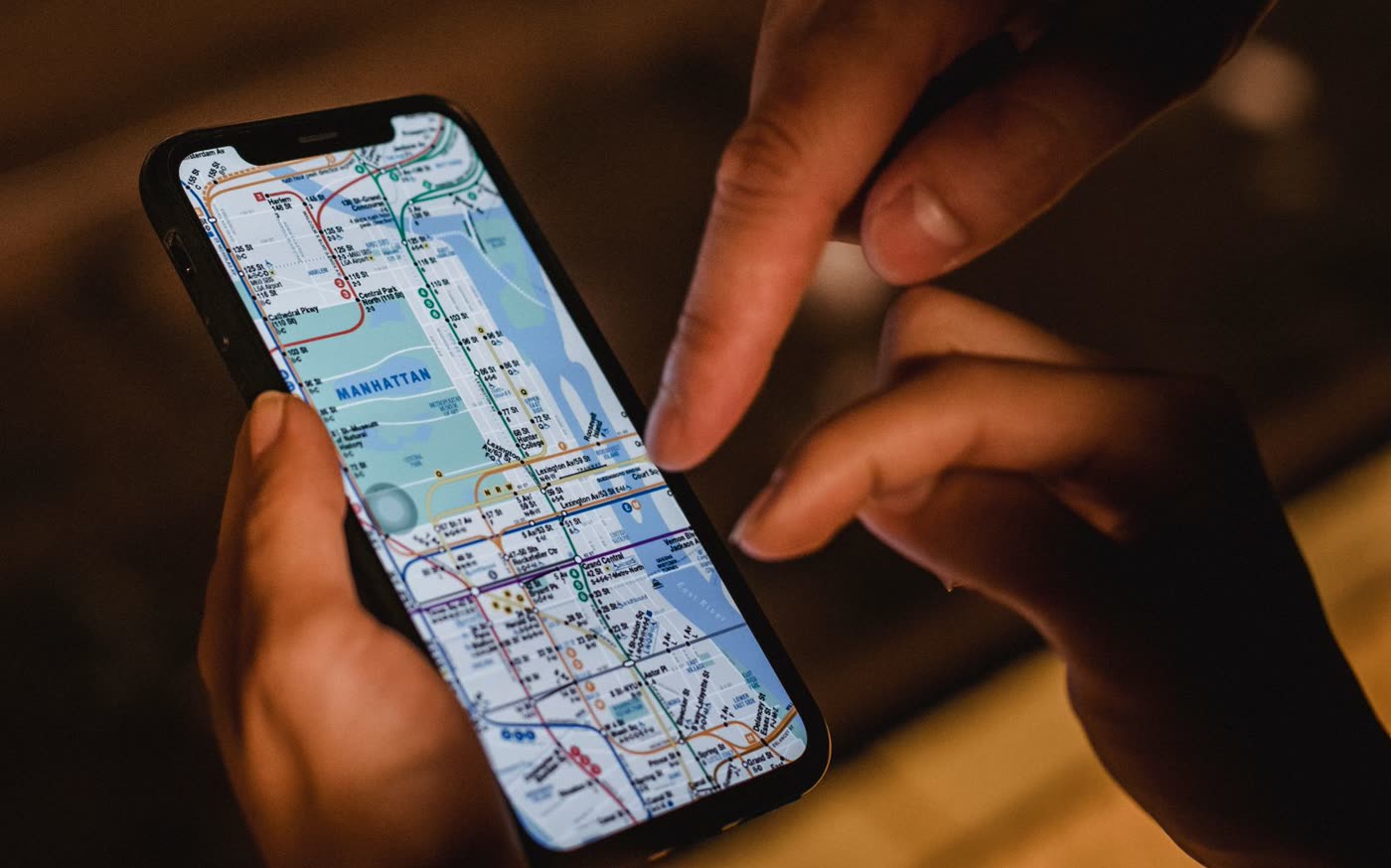
Local SEO is ranking in searches with a local intent, such as “physiotherapist in Mataró” or “locksmith near me”. Google ranks the business map by relevance, distance and prominence. It is done with a complete, verified Google Business Profile, genuine reviews, the same details everywhere and a website with pages for each service and area. You cannot pay to move up.
1 / 14What local SEO is and how it differs from traditional SEO
Local SEO is the work that gets your business to appear on Google and Google Maps when someone searches for what you do near where they are. The centrepiece is your Google Business Profile, which is free, but it is not the only one. Here is what local SEO is, how Google decides who appears on the map and what you can do yourself, based on what Google’s official help says.
What local SEO is and how it differs from traditional SEO
When you search for “bakery”, “dentist in Badalona” or “garage open now”, Google understands that you want something nearby. Instead of showing you only links, it puts a map at the top with three businesses, their rating, their opening hours and buttons to call or get directions. That block, known as the local pack, takes a large share of the clicks and calls.
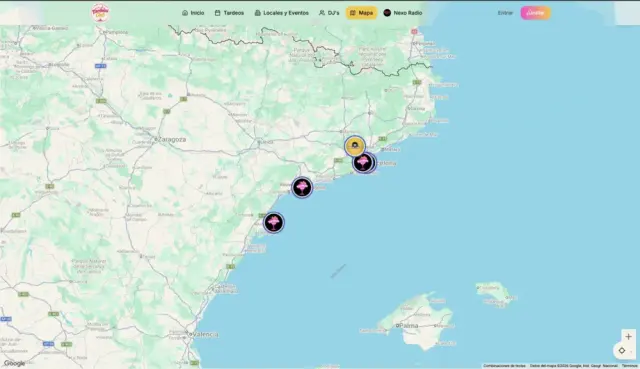
Local SEO is the work to get into that map and into Google Maps. It shares a foundation with traditional SEO (your website being good and Google understanding it), but it adds pieces of its own: the business profile, reviews and the consistency of your details across the internet.
If you are not clear about what SEO is in general, start with what SEO is and how it works.
| Local SEO | Organic SEO | |
|---|---|---|
| Where you appear | The Google map and Google Maps | Google’s standard results |
| Centrepiece | Google Business Profile | Your website |
| What counts | Relevance, distance, reviews | Content, technical, links |
| Who it is for | Businesses with premises or a service area | Any website |
How the map works: relevance, proximity and prominence
Google Business Profile help explains that local results are based mainly on three factors. The useful thing is knowing which ones you can influence:
| Factor | What it is | Do you control it? |
|---|---|---|
| Relevance | How well your profile matches what is being searched for | Yes: categories, services, description and website |
| Distance (proximity) | How far you are from the person searching | No: it depends on where that person is |
| Prominence | How well known your business is | Partly: reviews, links and mentions |
Google adds that businesses with complete and accurate information are more likely to appear, and that more reviews and positive ratings can improve local ranking. And it makes it clear: you cannot pay for or request a better position in local results. If someone calls you “from Google” offering it, it is not Google.
Because of distance, two people searching for the same thing see different maps. A plumber in Gràcia may come first for someone searching from the next street and not appear for someone searching from Sants.
What Google Business Profile is (formerly Google My Business)
Google Business Profile, known in Spanish as Perfil de Empresa de Google, is your business’s free listing on the search engine and on Google Maps: name, address or service area, phone, opening hours, website, photos, services and reviews.
Until November 2021 it was called Google My Business (GMB). That is why you will still see that name in many guides: it is the same thing.
Your business can appear on Maps even if you have not claimed the profile, but then you do not control what it says or reply to reviews as the owner. You can have a profile if you have premises your customers visit or if you go to where they are.
If you work at customers’ homes (plumbers, electricians, cleaning), you set a service area and hide the address. PO boxes and virtual offices are not allowed. One profile per business and per location.
How to create, verify and complete your profile
- Search for your business on Google Maps. If it already exists, claim it (“Own this business?”). If not, add it. Do not create a second profile if there already is one.
- Enter your real name, the one on your sign and website. No town, no slogan and no keywords.
- Choose the primary category and, if needed, some additional ones.
- Enter your address or service area, phone and website.
- Verify the profile with the method Google offers you: video call, video recording, phone call, text message, email or, sometimes, a postcard with a code. You do not choose the method. The review can take up to 5 working days.

Categories: the decision that matters most
Google allows one primary category and up to 9 additional ones. Its advice is to choose the most specific one, describing what your business is rather than what you sell, and to use as few as necessary.
A practical tip: search for your service on Maps and look at the primary category of the top three. Not to copy it, but to check that you have not settled for one that is too generic.
Description, services, opening hours and photos
- Description: up to 750 characters. What you do, for whom and in which area. No links, prices or offers.
- Services or products: one by one, with a sentence that uses your customers’ words.
- Attributes: accessibility, parking, appointments… They answer specific searches.
- Opening hours, including bank holidays and holiday periods.
- Real, recent photos: shopfront, interior, team and completed work. And a post or two a month so the profile does not look abandoned.

Google reviews changes before publishing them, and changing your name, category and address at the same time may make it ask you to verify again. Make big changes one at a time.
Reviews: how to ask for them without breaking the rules
Reviews are what most sets two similar profiles apart, for Google and for the person choosing. Google Maps’ content policy prohibits:
- Offering discounts, gifts or free services in exchange for a review.
- Asking only customers you know are happy for reviews.
- Discouraging or preventing negative reviews.
- Reviews with a conflict of interest, for example from employees.
What does work: asking right after a good service with the direct link to your profile, a QR code on the counter and replying to every review, including negative ones. A legitimate negative review cannot be deleted; if it breaks the rules (spam, insults, someone who was never a customer) you can report it.
NAP and citations: your details the same everywhere
NAP stands for name, address and phone number. A citation is any place on the internet that mentions your business with those details: general and sector directories, the website of the local traders’ or trade association, your social media profiles, other maps such as Apple Maps or Bing.

Citations help prominence, but above all they have to match. A typical case: a hair salon that moved from the Rambla in Mataró three years ago, updated its profile and website, but still has the old address in four directories and on Facebook. Google receives two versions of the business and some customers go to the wrong door.
- Write down your exact NAP, just as it appears on your profile.
- Search Google for your name and your phone number, including the old one, and note where you appear.
- Correct the details wherever you can edit them and request the change where you cannot.
- Look for duplicate profiles on Maps and ask for them to be merged or closed.
Ten correct citations on sites your customers use are worth more than a hundred in directories nobody visits.
Local SEO on your website: area pages without creating doorway pages
Your profile links to your website and Google reads them together. For them to reinforce each other, the website needs your contact details visible and identical to those on the profile, LocalBusiness structured data, fast loading on mobile and a page for each important service.
We explain how to optimise each one in the on-page SEO guide.
If you work in several towns or neighbourhoods, you can create area pages. Here is the catch: Google considers doorway pages to be those created in series to rank for variations of a search, such as the same page repeated with the name of each town, and they go against its spam policies.
| Doorway page | Useful area page |
|---|---|
| The same text, swapping “Argentona” for “Vilassar” | Original text for each area |
| No specific details | Work done there, with photos |
| Areas where you do not work | Only where you genuinely provide a service |
| Nobody links to it or visits it | Linked from the service page |
An example: an air-conditioning installer from Mataró who works across the Maresme. Three pages with real jobs in Mataró, Premià and Calella are better than twenty empty ones, one per town. The rest follows the order of how to rank your website on Google.

Where to start: a four-week plan
| Week | What to do |
|---|---|
| 1 | Claim or create the profile, verify it, review the name and primary category |
| 2 | Description, services, attributes, special opening hours and 10 real photos |
| 3 | Review NAP on the website and in directories; fix duplicate profiles |
| 4 | Set up the review system (link and QR code) and reply to all pending reviews |
| Every month | One post, new photos, replies to reviews and a check of your details |
Local SEO in Barcelona: what changes in a dense city
In Barcelona, for the same search there can be dozens of businesses within a few streets, and distance rules. That is where the details make the difference: the exact category, recent reviews and website pages for each neighbourhood where you genuinely work.
In Maresme towns there is usually less competition and a well-built profile shows results sooner.
How to measure local SEO
The question is not what position you appear in, but how many customers the map brings you. This is what you can measure for free:
| Tool | What you measure |
|---|---|
| Google Business Profile performance | Searches you appear in, calls, directions, website clicks and messages |
| Google Analytics 4 with UTM | Visits and enquiries arriving from the profile link |
| Google Search Console | Local searches your website appears for |
| Google Maps in incognito mode | How you appear without your history, from different areas |
For the UTM, add something like ?utm_source=google&utm_medium=organic&utm_campaign=profile to the website link on your profile. Paid tools that measure your position street by street make sense with several locations, not with a single shop.

How long local SEO takes to deliver results
It is faster than website SEO, but it is not instant:
| What you do | When it usually shows |
|---|---|
| Verifying the profile | Up to 5 working days of review, according to Google |
| Completing and correcting the profile | Between 3 and 6 weeks on the map |
| New reviews | Gradually, month by month |
| Highly competitive searches in Barcelona | Between 3 and 6 months |
A new profile in a neighbourhood with twenty identical businesses takes longer than an old, badly completed profile in a town with three.
How much local SEO costs
A Google Business Profile is free and you cannot pay to move up the map. What it costs is time: a few hours in the first month and a little while each week for reviews, photos and posts. If you do it yourself, that is the price.

If you outsource it, well-planned local SEO fees start at around €150/month, which is where we start, with no tie-in. They rise with the competition in your area, the number of locations and the website pages that need creating.
You will find market ranges in SEO prices and, if you want to see how we work, our local SEO in Barcelona or local SEO in Mataró for the Maresme.
Google Business Profile and AI
Google already uses Gemini in Maps to answer questions about a place based on reviews, photos and profile data, although some features have not yet reached Spain. If your opening hours or services are not on your profile, neither Google nor its AI can say you offer them. We go into more detail in SEO for AI.
Common local SEO mistakes
- Keywords in the name (“Smile Dental Clinic cheap dentist Mataró”). It goes against the guidelines and can get the profile suspended.
- A generic primary category when a more precise one exists.
- Different details on the profile, the website and directories.
- An abandoned profile: opening hours from years ago, four photos and unanswered reviews.
- Duplicate profiles from a move or from someone who created one for you.
- Buying reviews or asking only happy customers for them.
- Doorway pages: one per town, all identical.
To review your profile together with the rest of your website, follow the checklist in how to do an SEO audit, which includes a local SEO section.
Businesses we have worked with
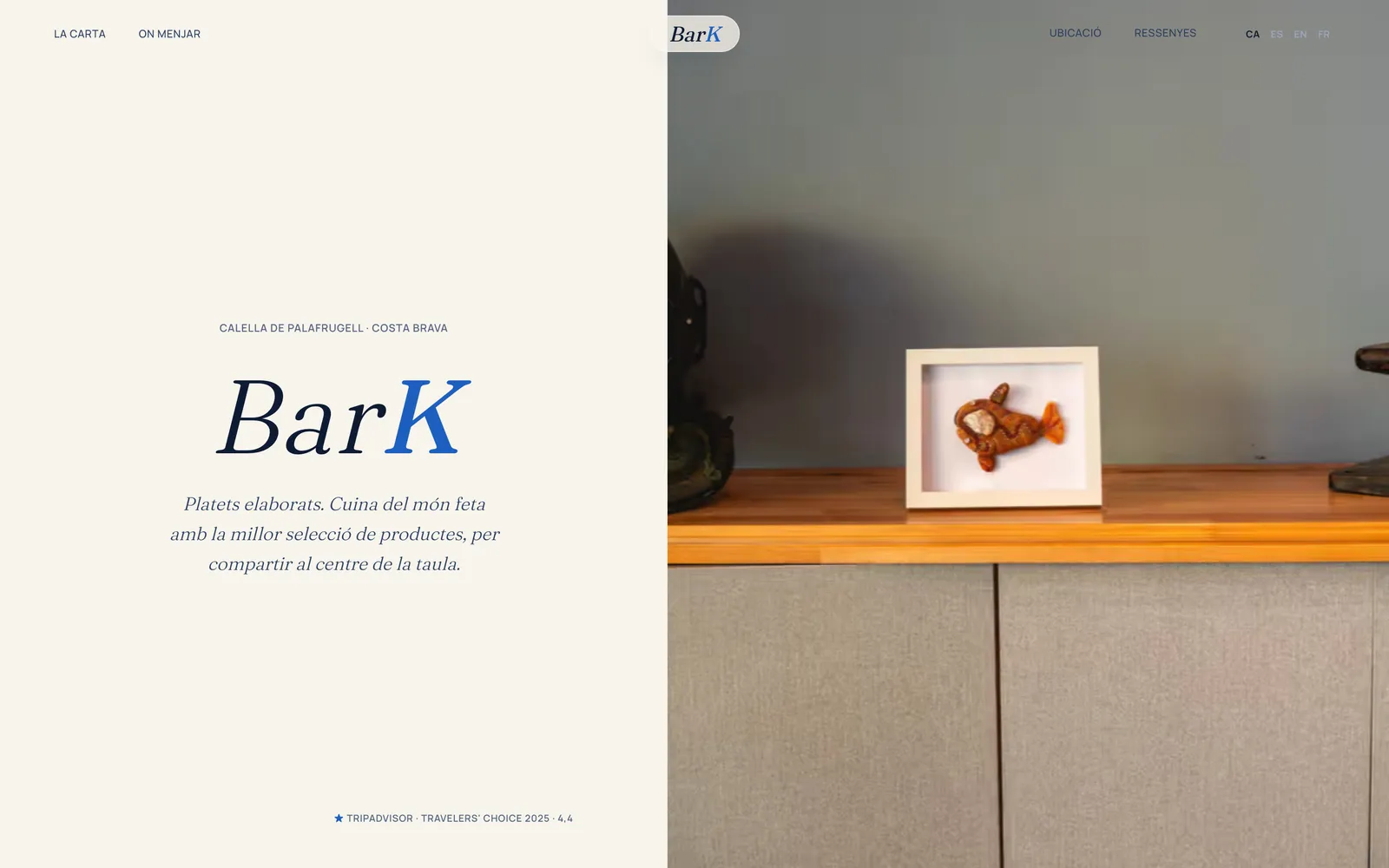
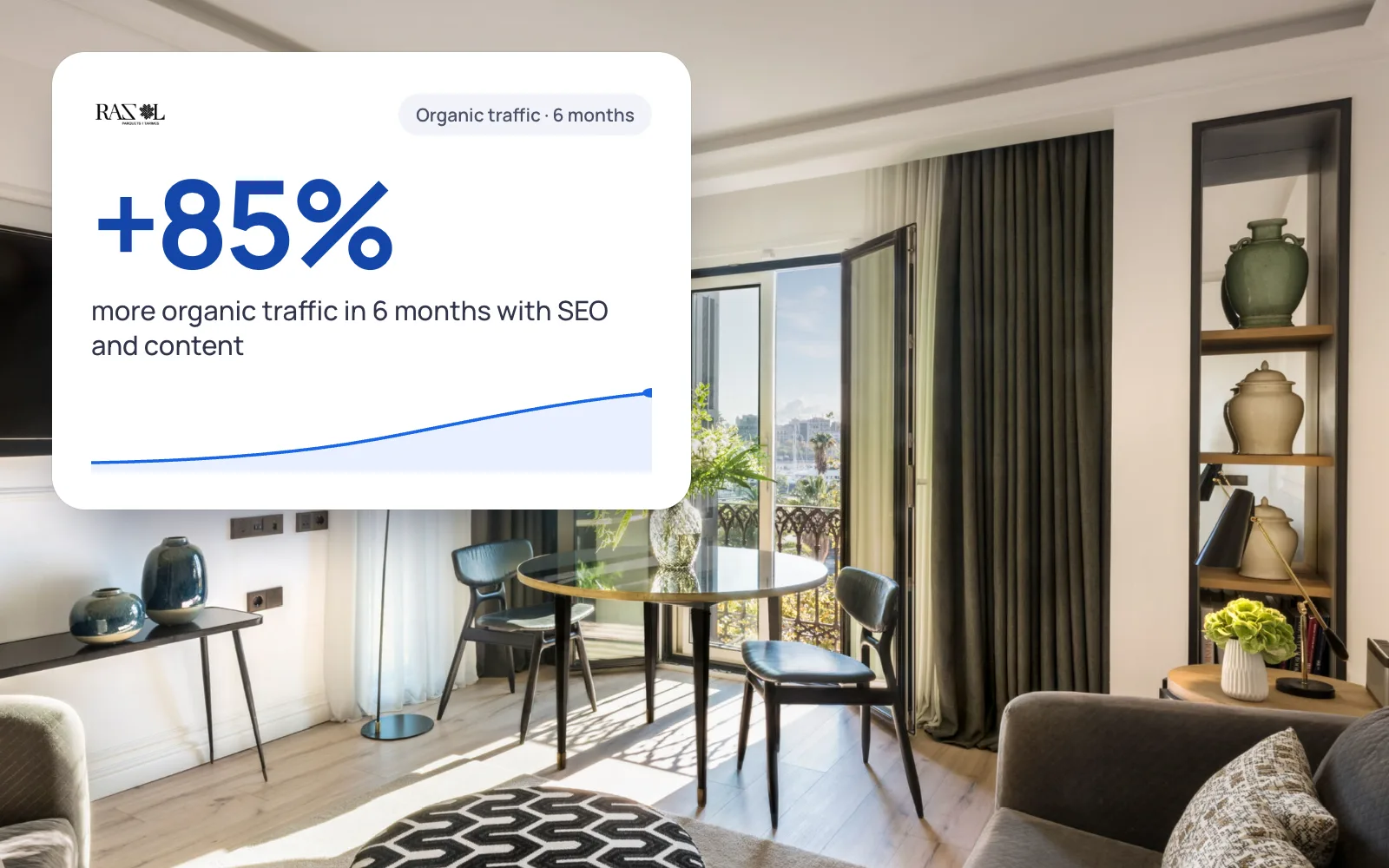
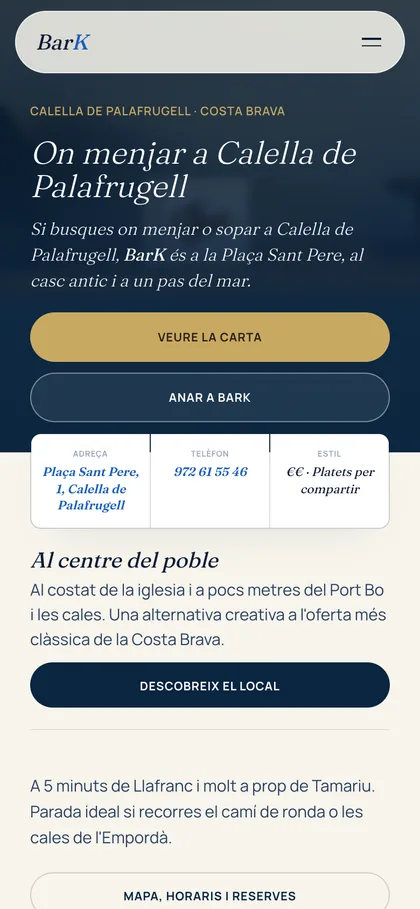
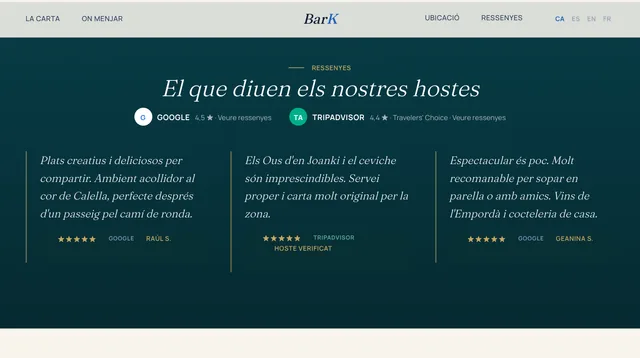
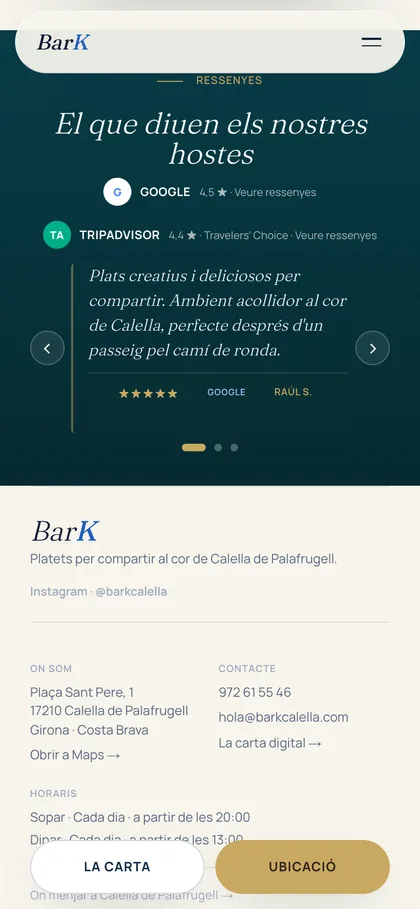
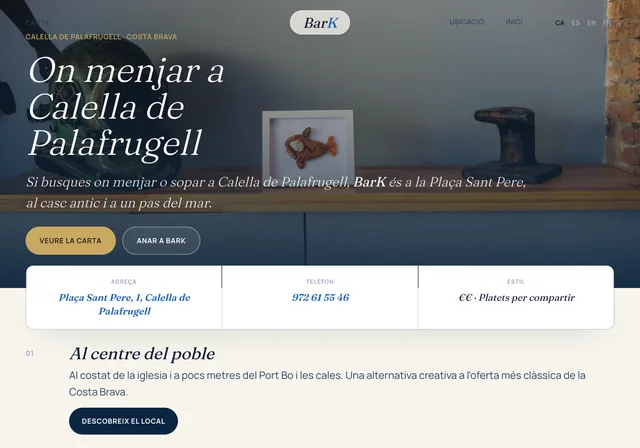
More real examples: Bark Calella · SEES Production
We'll send you our next SEO guide
What's changing in Google and what works for our clients, explained for small businesses. No spam.
Guides for your business, in your inbox
What we publish on websites, SEO, ads and AI for small businesses. No spam, unsubscribe in one click.
Frequently asked questions
What is local SEO?
It is ranking in searches with a local intent, the ones that make Google show a map with businesses. It is done with your Google Business Profile, reviews, the consistency of your details across the internet and a website with pages for your services and your area.
How does local SEO work?
Google ranks local results according to three factors: relevance (how well your profile matches the search), distance (how close you are to the person searching) and prominence (how well known you are, with reviews and links). You do not control distance; you do control the other two.
What is Google Business Profile?
It is your business’s free listing on Google, known in Spanish as Perfil de Empresa de Google. It shows your name, address or area, phone, opening hours, website, photos and reviews on the search engine and on Maps. It used to be called Google My Business.
What is NAP in local SEO?
It stands for name, address and phone number. They must be identical on your Google Business Profile, your website, your social media and the directories you appear in. If they do not match, Google is unsure which details are correct.
How much does local SEO cost?
A Google Business Profile is free and you cannot pay to move up the map. If you do it yourself, it costs time. If you outsource it, well-planned fees start at around €150/month; with us, from €150/month with no tie-in.
How long does local SEO take to show?
Improvements from a complete, corrected profile usually show on the map within 3 to 6 weeks. Reviews add up month by month, and for highly competitive searches, like many in Barcelona, you should allow between 3 and 6 months.
Can I have a profile without premises open to the public?
Yes, if you serve your customers in person wherever they are. You set a service area and hide the address. What is not allowed is using a PO box or a virtual office as your address.
Can I create a page for each town where I work?
Yes, if each page has its own content: work done there, photos, timescales, questions from customers in that area. What Google considers spam are doorway pages: the same page repeated, changing only the name of the town.
Further reading
Why are you not showing up on the map?
Request the free review of your Google Business Profile. We look at it together with your website and in less than 24 hours we tell you what we would change first.